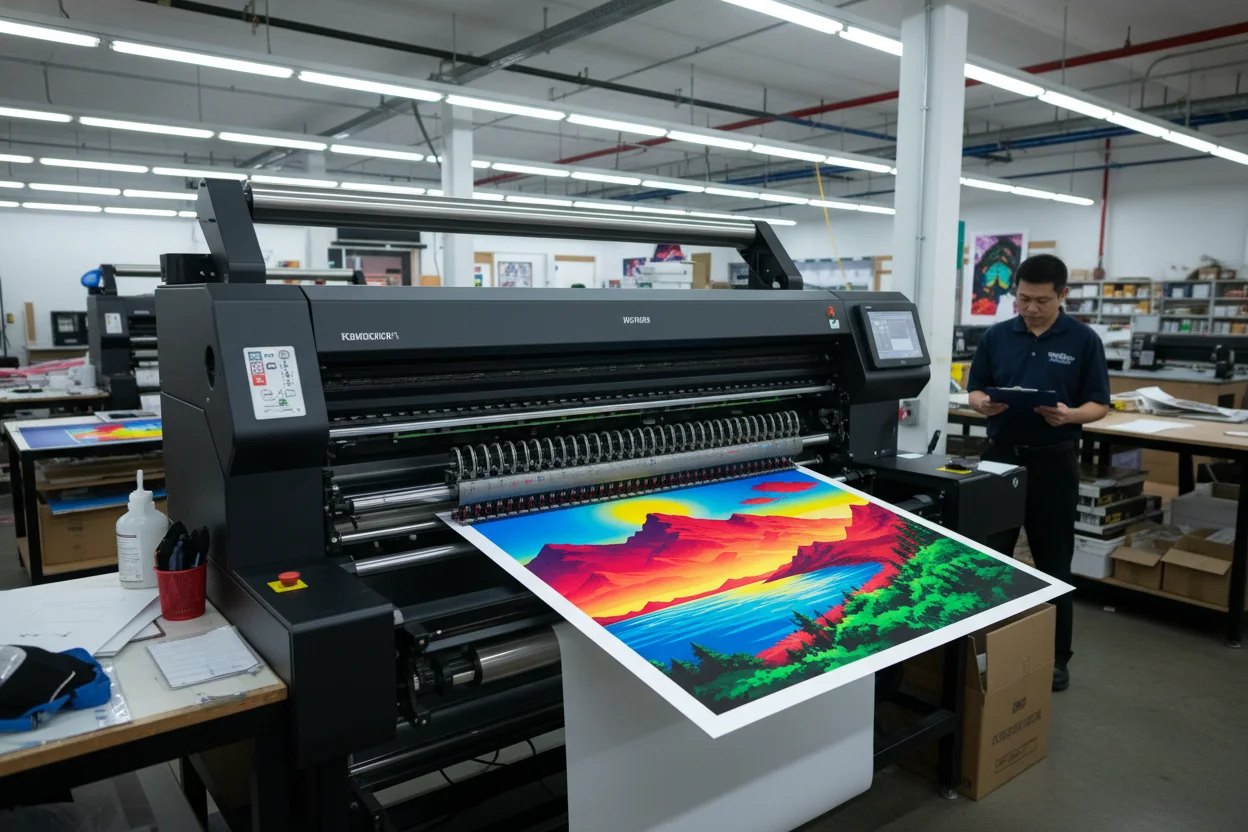
Print-Ready AI Art: What You Need to Know
You've created amazing AI art. Now you want to print it — hang it on your wall, sell prints, or use it for physical marketing. But AI-generated images and print have some compatibility issues you should know about.
The Resolution Challenge
Most AI generators output images around 1024x1024 pixels. That's plenty for screens, but print requires much more. At 300 DPI (dots per inch) — the standard for quality printing — a 1024x1024 image prints clearly at only about 3.4 inches square.
Want a poster-sized print? You'll need to upscale. Fortunately, AI enhancers can help here too. Use image enhancement tools to upscale your AI art 2x or 4x before printing. The quality holds up surprisingly well.
Quick Size Reference for Print
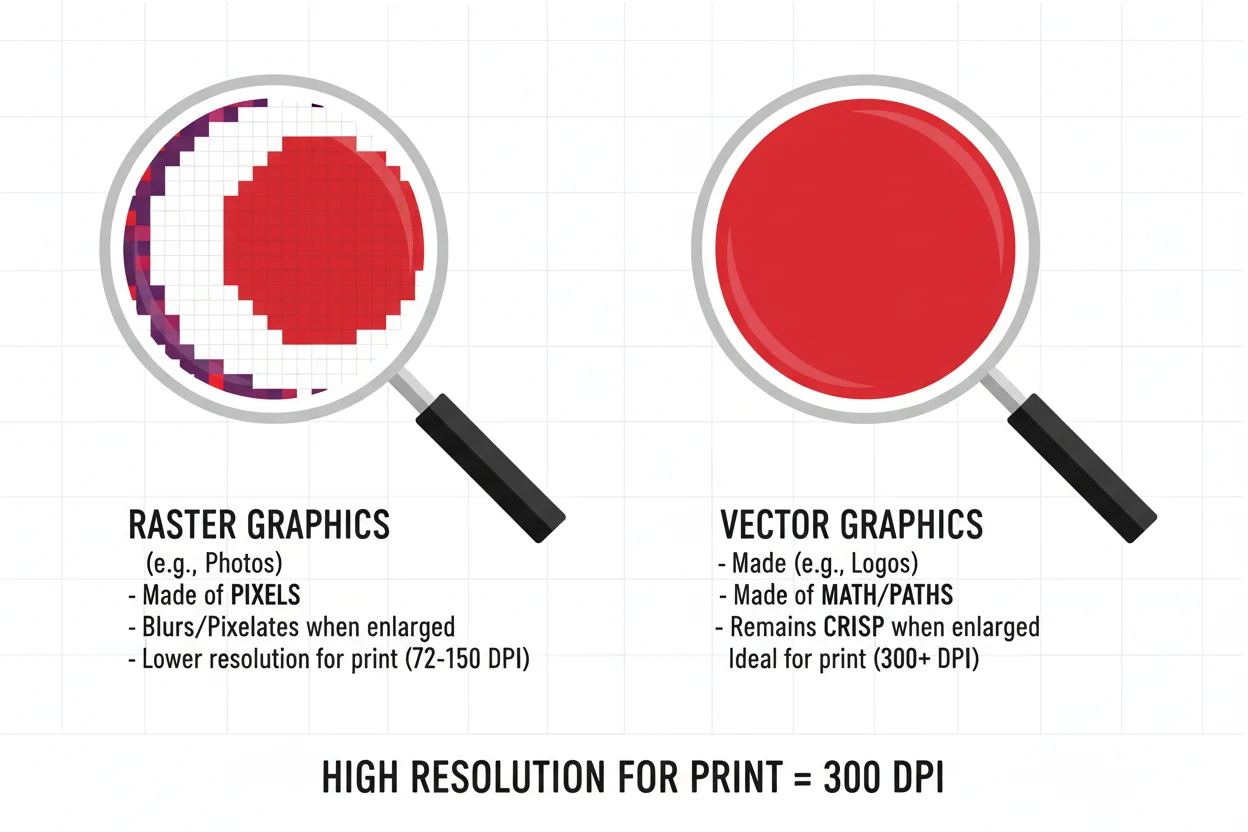
At 300 DPI (high quality):
- • 1024 x 1024: Good for 3" x 3" max
- • 2048 x 2048: Good for 6" x 6" prints
- • 4096 x 4096: Good for 12" x 12" prints
- • 8192 x 8192: Good for 24" x 24" posters
At 150 DPI (acceptable for viewing from distance), you can double these sizes.
Color Mode Matters
AI images are generated in RGB color mode — the standard for screens. But professional printing uses CMYK. The conversion can cause color shifts, especially in bright, saturated colors.
That vibrant electric blue on your screen might print as a duller, slightly different blue. Neon greens are particularly notorious for shifting.
If accurate color is critical, convert your image to CMYK in an editor before printing to preview how colors will shift. Or order test prints before committing to a large batch.
File Format for Print
Most AI generators output PNG or JPEG files. For print:
- →PNG is best for graphics with flat colors, sharp edges, or transparency needs.
- →JPEG at high quality (90%+) works for photorealistic images and paintings.
- →TIFF is ideal if your printer accepts it — lossless and widely supported.
Edge and Bleed
Commercial prints often need "bleed" — extra image area around the edges that gets trimmed off. This ensures no white borders appear if cutting is slightly off.
When generating art you know you'll print, avoid placing important elements too close to the edges. Give yourself at least 0.25 inches of "safe zone" from any edge.
Paper Changes Everything
The same image looks completely different on matte vs glossy paper. On canvas vs photo paper. On standard paper vs archival quality.
For AI art, I generally recommend matte or semi-matte finishes. They can hide minor imperfections better than glossy. Canvas prints are forgiving of resolution limits due to the texture.
Start Small
Before ordering that 24x36 poster, get a small test print. Many online print services offer cheap 4x6 or 5x7 prints. See how your image actually looks on paper before investing in large format.
It's worth the few dollars to avoid a disappointing large print.
Create Art Worth Printing
Generate high-quality images and enhance them for print.