Why Your AI Images Look Generic (And How to Fix It)
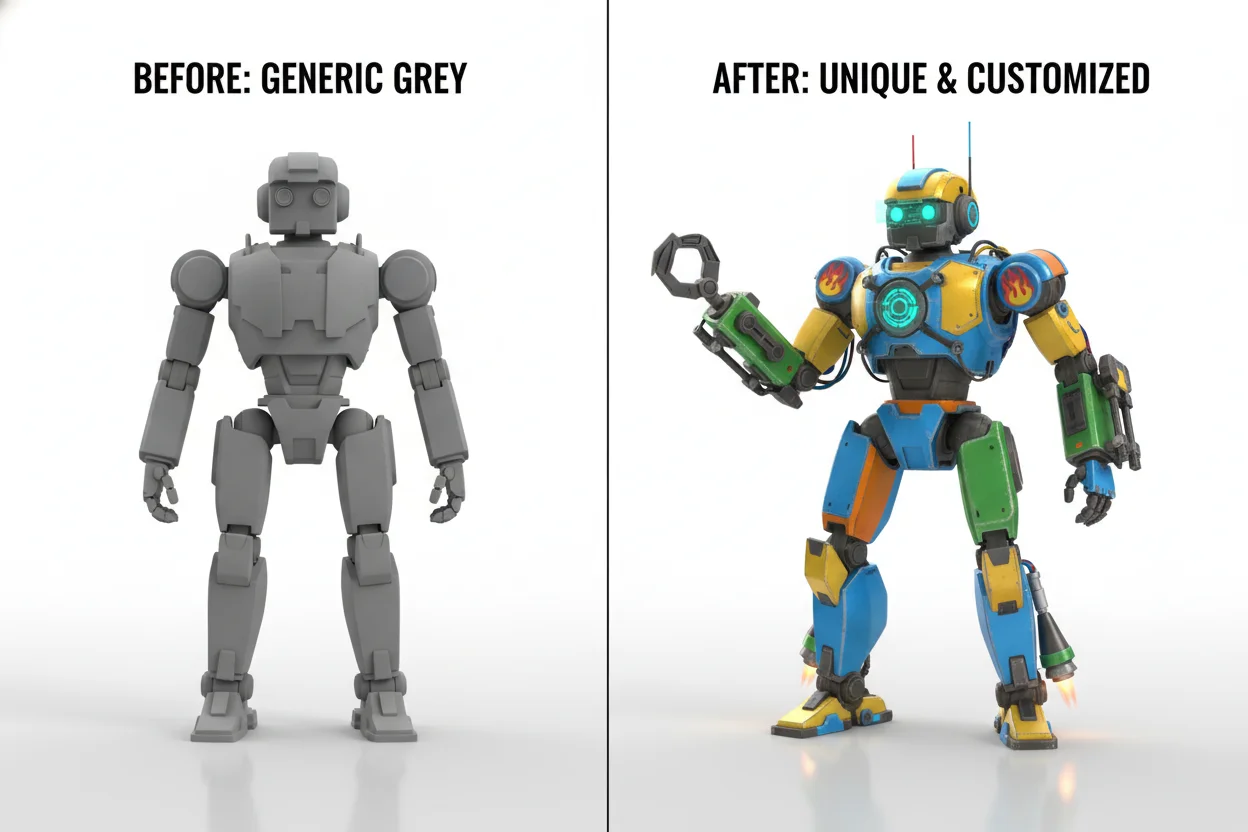
You've probably noticed it too. You generate an AI image, and something feels... off. Not bad exactly, but generic. Like you've seen a hundred images just like it. Here's why that happens and what you can do about it.
The Problem: We All Use Similar Prompts
Think about it. When you want a portrait, you probably type something like "beautiful woman, professional lighting, high quality." When you want a landscape, it's "majestic mountain, sunset, dramatic sky." Sound familiar?
We've all learned from the same tutorials and copied similar prompts. The result? AI models have generated millions of images from nearly identical descriptions. They default to the most "average" interpretation of common requests.
Fix #1: Get Weirdly Specific
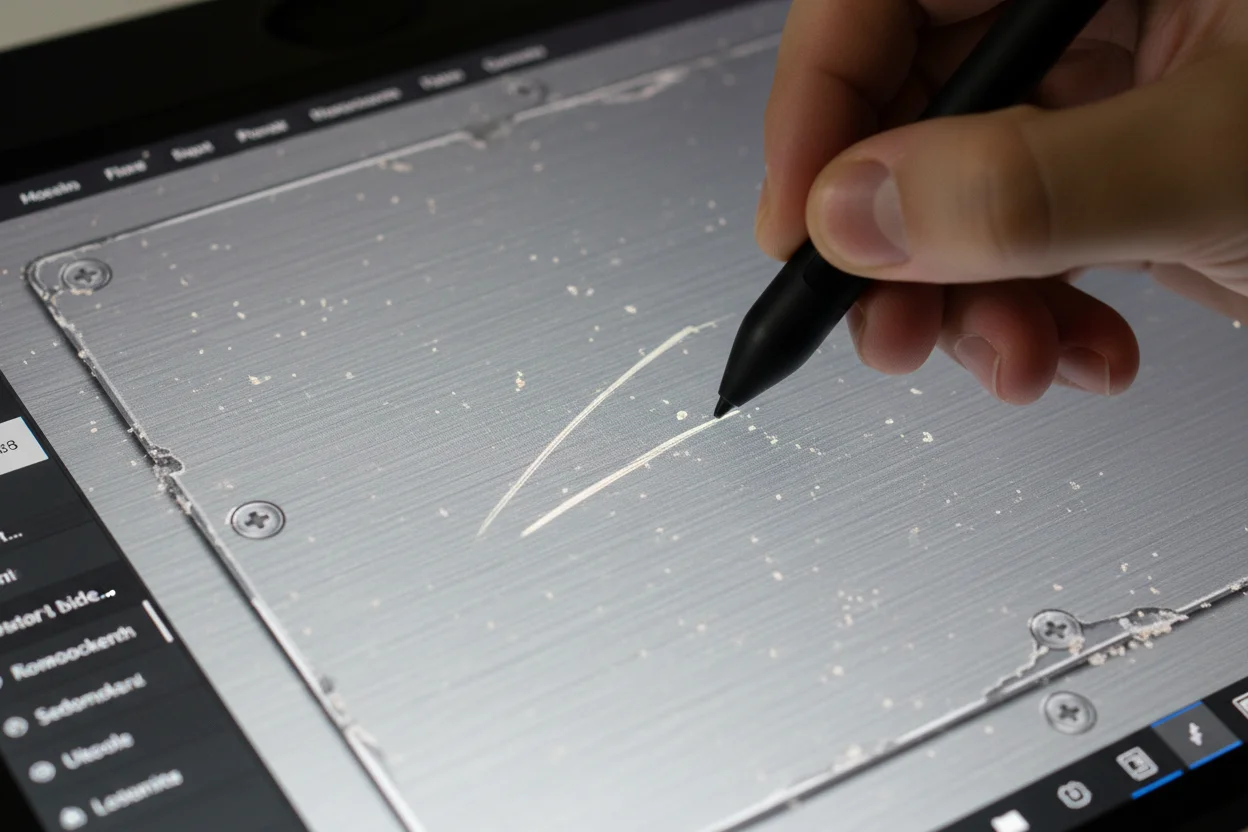
The more specific you get, the more unique your results become. Don't just say "a cat." Say "a grumpy orange tabby cat with one bent ear, sitting on a stack of old newspapers, afternoon light coming through dusty blinds."
Specific details force the AI away from its generic defaults. The details don't even need to be important — they just need to be there.
Generic: "Portrait of a woman, beautiful, professional"
Specific: "A woman in her 40s with laugh lines and silver streaks in her dark hair, wearing a worn leather jacket, warm window light from the left, slight smile like she's remembering something funny"
Fix #2: Avoid Overused Buzzwords
Certain words have been used so much that they trigger very predictable results. Words like "epic," "stunning," "beautiful," "highly detailed," and "masterpiece" have become almost meaningless. The AI has seen them millions of times.
Instead of adding more quality words, try being more descriptive about what makes something look that way. Instead of "epic battle scene," try describing the specific chaos: "soldiers scattered across muddy ground, smoke obscuring the sun, one soldier helping another stand."
Fix #3: Reference Unexpected Artists or Styles
Everyone references the same artists — Greg Rutkowski, Artstation trending, Studio Ghibli. These references produce beautiful results, but they're also extremely common.
Try referencing lesser-known artists or combining unexpected styles. "In the style of 1970s science textbook illustrations" or "like a faded polaroid from the 80s" will give you results that feel fresh because fewer people use those references.
Fix #4: Add Imperfections
Real images have imperfections. Film grain. Slightly off-center composition. A bit of motion blur. Dust on the lens. These "flaws" actually make images feel more authentic and less like AI-generated stock photos.
Try adding terms like "candid shot," "slightly out of focus background," "natural imperfections," or "film photography" to introduce some of those real-world qualities.
Fix #5: Tell A Story
Generic images show subjects existing. Interesting images show subjects doing something or in the middle of a moment. Instead of "a wizard," try "a wizard who just realized his spell went wrong, looking at the frog that used to be his assistant."
Story creates emotion, and emotion makes images memorable. Even a hint of narrative elevates an image from "pretty picture" to "something I want to look at."
The Real Secret
Here's the thing nobody talks about: making unique AI images requires you to think uniquely. If you want images that don't look like everyone else's, you need to describe things differently than everyone else does.
Spend five extra minutes thinking about what makes your idea different. What's the specific mood? What unusual details would make it yours? The effort shows in the results.
Put It Into Practice
Try these techniques now with Bladdit's free AI image generator.
Start Creating →