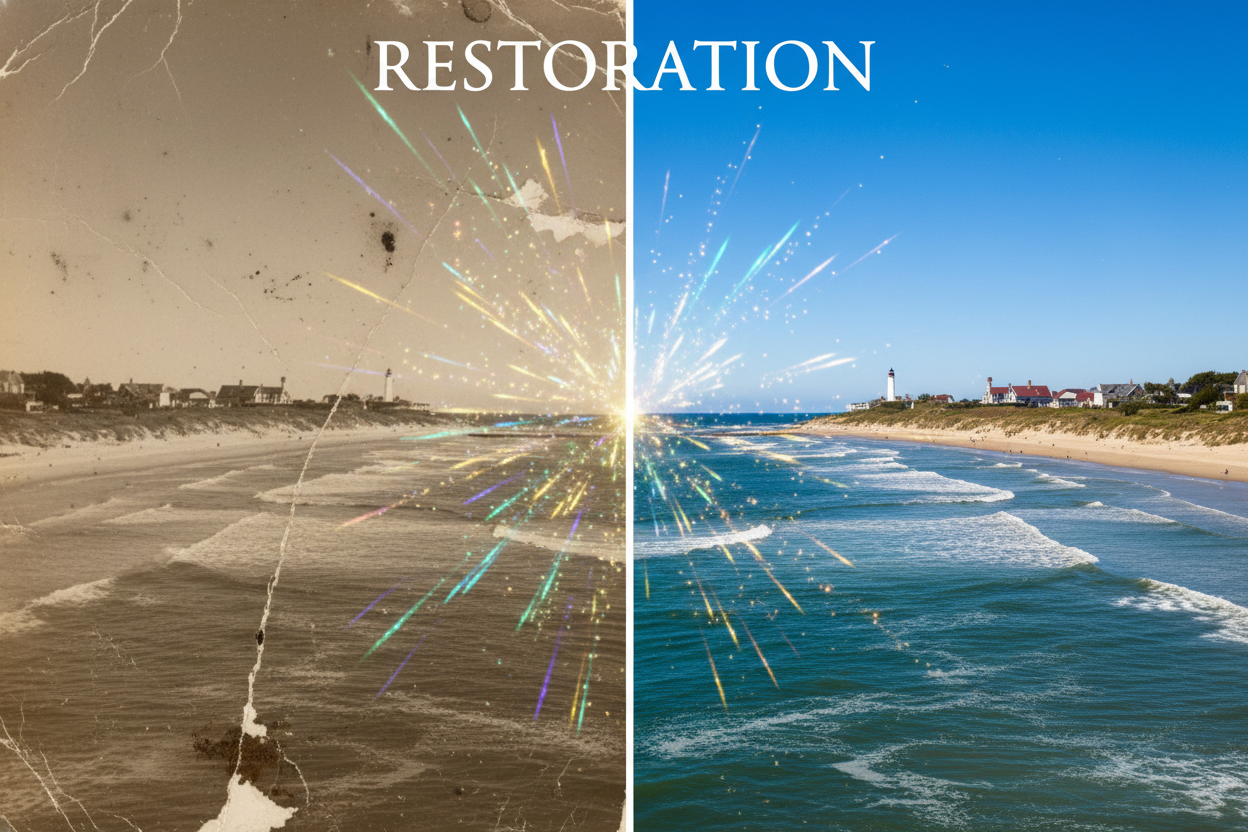
How to Enhance and Upscale Images Using AI
Have a great photo that's too small or blurry to use? AI image enhancement can transform low-resolution, noisy, or degraded images into crisp, high-quality versions. This technology goes beyond simple resizing — it intelligently adds detail and clarity that wasn't there before. Let's explore how it works and how to get the best results.
What is AI Image Enhancement?
AI image enhancement uses neural networks trained on millions of image pairs to learn what high-quality images look like. When you enhance an image, the AI doesn't just stretch pixels — it predicts and generates new detail based on patterns it has learned. This allows it to:
- •Upscale resolution: Increase image size by 2x, 4x, or more without blur
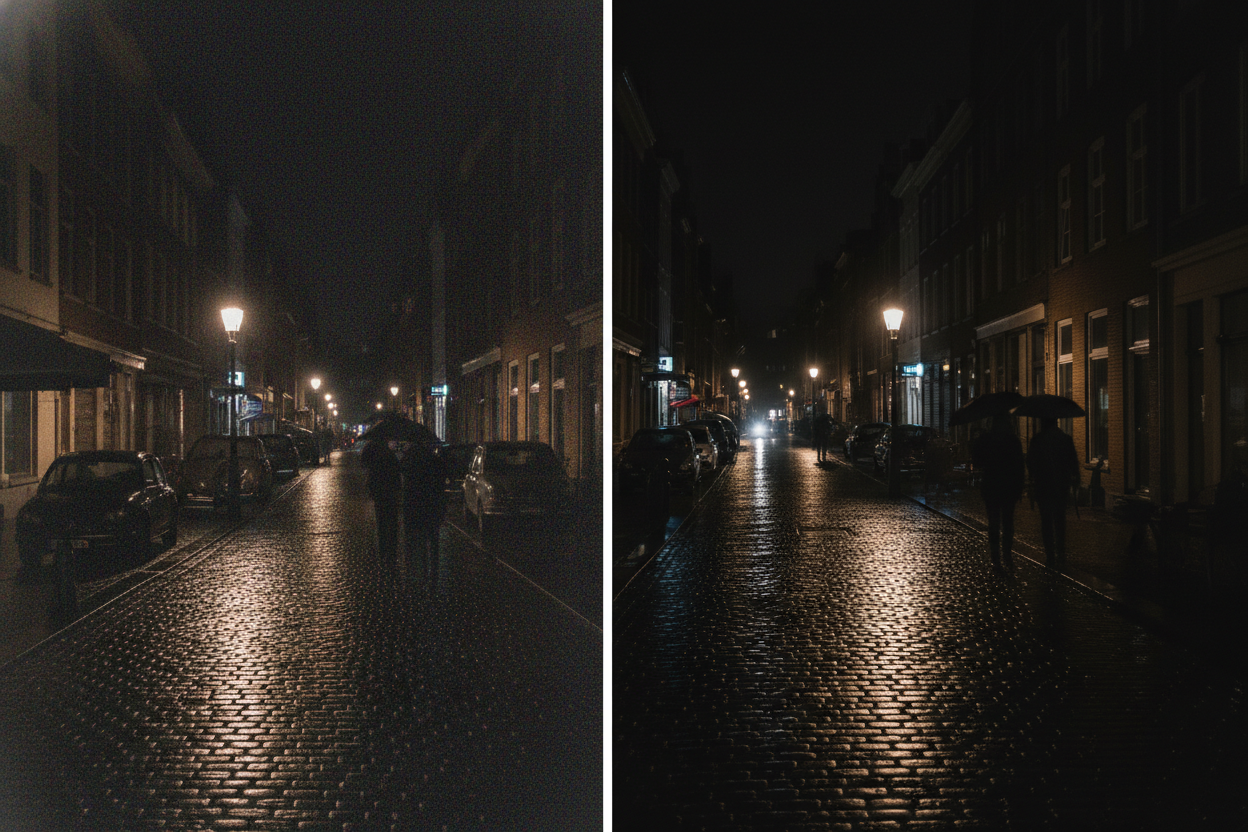
- •Reduce noise: Clean up grainy photos while preserving detail
- •Sharpen details: Recover or enhance edges and textures
- •Improve colors: Correct color issues and enhance vibrancy
- •Fix compression artifacts: Remove blocky JPEG artifacts
When to Use AI Enhancement
AI image enhancement is perfect for these common scenarios:
📱 Phone Photos
Upscale smartphone photos for printing or large displays without losing quality.
🖼️ Old Photos
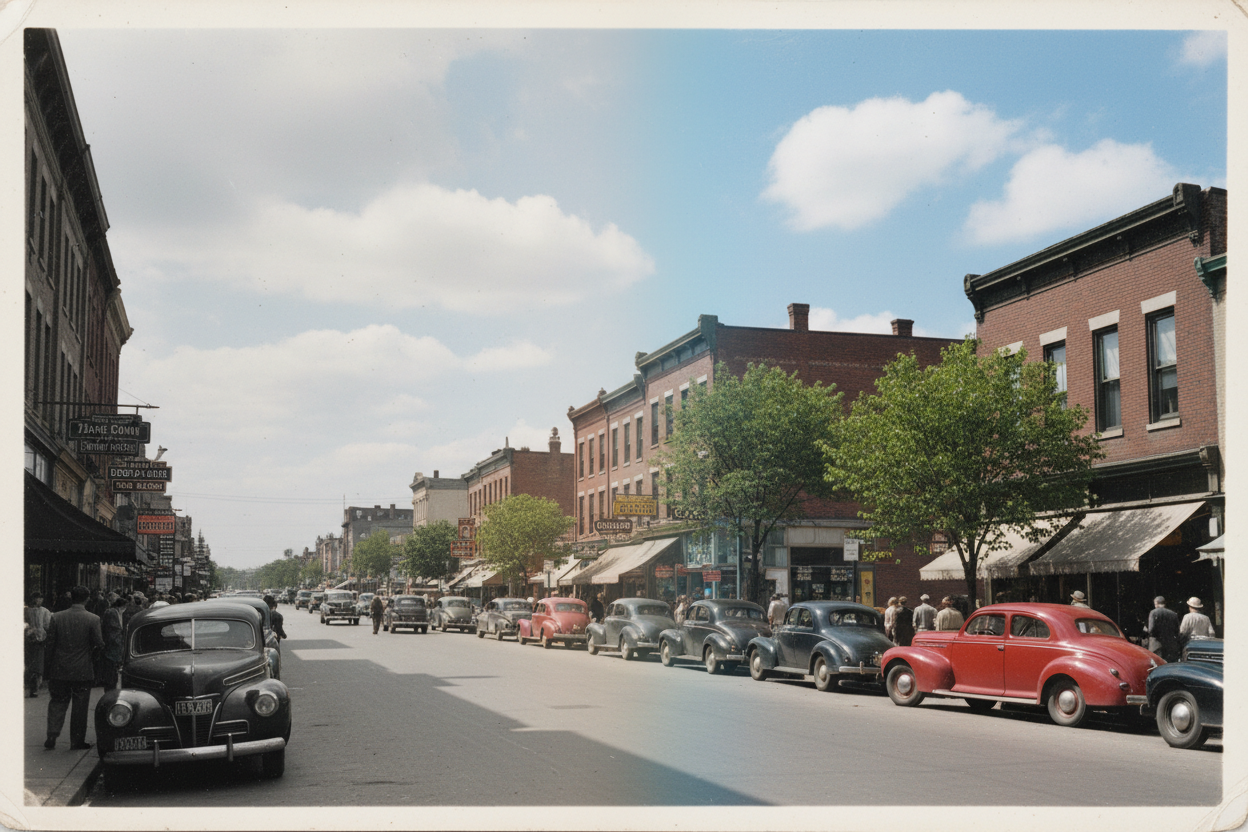
Restore and enhance scanned vintage photos and family memories.
🌐 Web Images
Improve low-resolution images downloaded from the internet.
🖨️ Print Preparation
Make images print-ready by increasing resolution to meet DPI requirements.
AI Enhancement vs Traditional Upscaling
Traditional upscaling methods like bicubic interpolation simply stretch existing pixels, resulting in blurry, soft images. AI enhancement is fundamentally different:
| Aspect | Traditional | AI Enhancement |
|---|---|---|
| Sharpness | Gets blurry | Stays sharp or improves |
| Details | Stretched, soft | New details added |
| Textures | Lost or smeared | Reconstructed |
| Edges | Blurred | Sharp and clean |
| Noise | Amplified | Reduced |
Tips for Best Results
1. Start with the Best Available Source
AI can work wonders, but starting with a better source image always yields better results. If you have multiple versions, use the highest quality one.
2. Don't Over-Enhance
Upscaling too much (e.g., 100x100 to 4000x4000) can produce unrealistic results. 2x to 4x upscaling typically provides the best balance.
3. Consider the Content Type
AI enhancement works best on photographs. Graphics, logos, and text may benefit more from recreation in vector format.
4. Check the Results Carefully
AI sometimes adds details that aren't accurate to the original. For important images, compare with the source to ensure nothing looks wrong.
Common Questions
How much can I upscale?
For best results, stick to 2x-4x. Higher scales are possible but may introduce artifacts or unrealistic details.
Can AI fix extremely blurry photos?
AI can improve slightly blurry images, but severely out-of-focus photos may not be fully recoverable. The AI needs some detail to work with.
Does enhancement change the original?
No, enhancement creates a new, improved version. Your original file remains unchanged.
Quick Tips Summary
- →Use the highest quality source available
- →Stick to 2x-4x upscaling for natural results
- →Works best on photographs rather than graphics
- →Review enhanced images for accuracy
- →Save enhanced images in high-quality format (PNG)
Start Enhancing Your Images
Ready to transform your photos? Our AI image enhancer can upscale and improve your images in seconds. It's completely free — just upload your image and download the enhanced result.
Enhance Your Images Now
Transform low-resolution photos into stunning high-quality images.
Enhance Image Free →