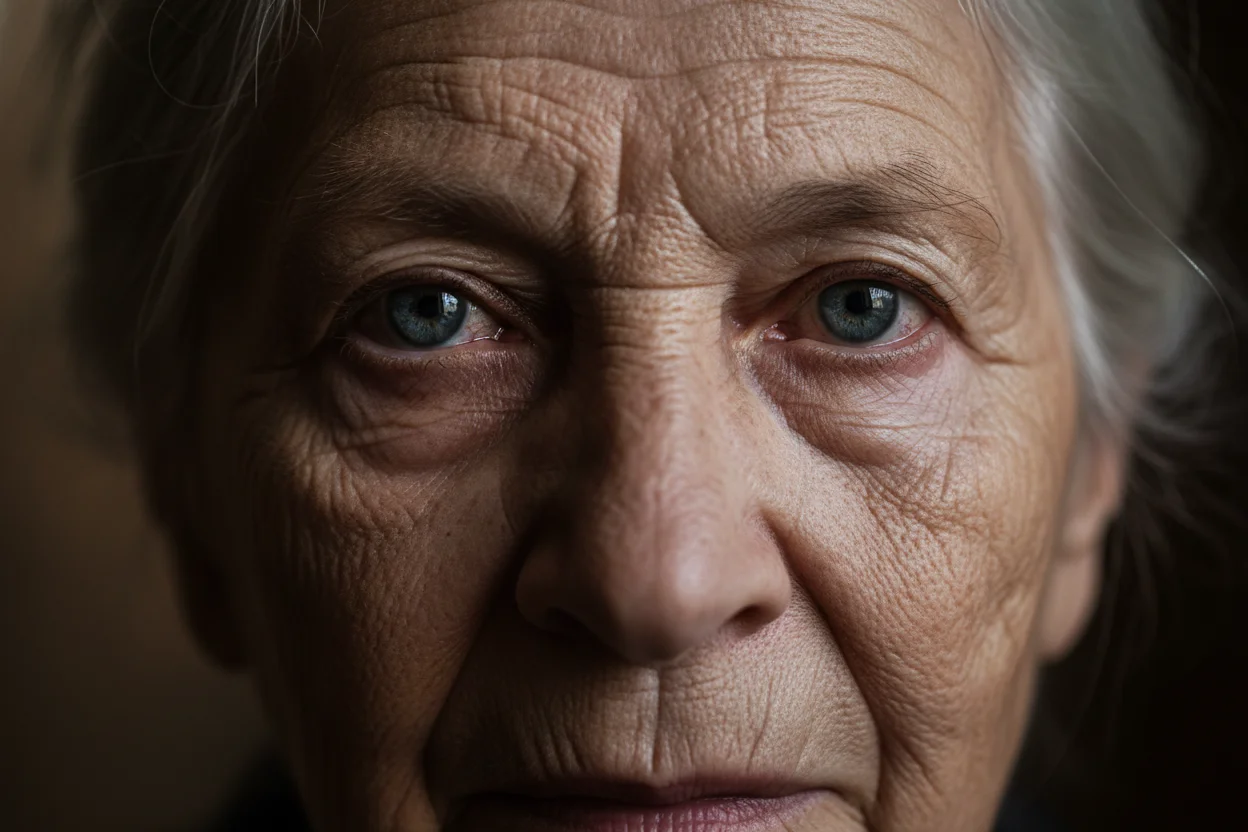
Generating Realistic Human Faces with AI
Creating photorealistic human faces is one of the most challenging yet impressive capabilities of AI image generation. Whether for stock photography, character references, or creative projects, mastering realistic face generation opens up incredible possibilities. This advanced guide covers the techniques that separate good results from truly convincing ones.
Key Elements of Realistic Faces
Photorealistic faces require attention to multiple interconnected elements:
Eyes & Gaze
Natural catchlights, proper iris detail, consistent gaze direction.
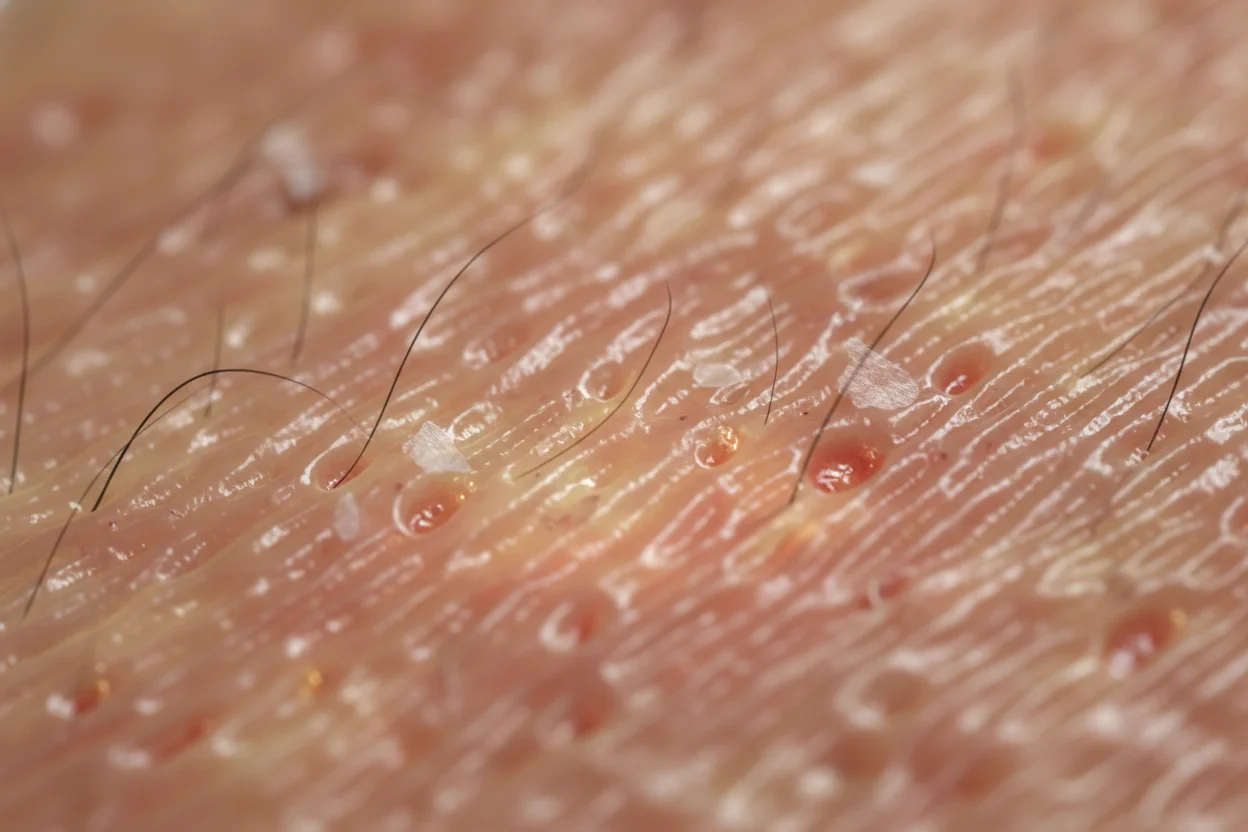
Skin Texture
Pores, subtle imperfections, natural color variation, proper subsurface scattering.
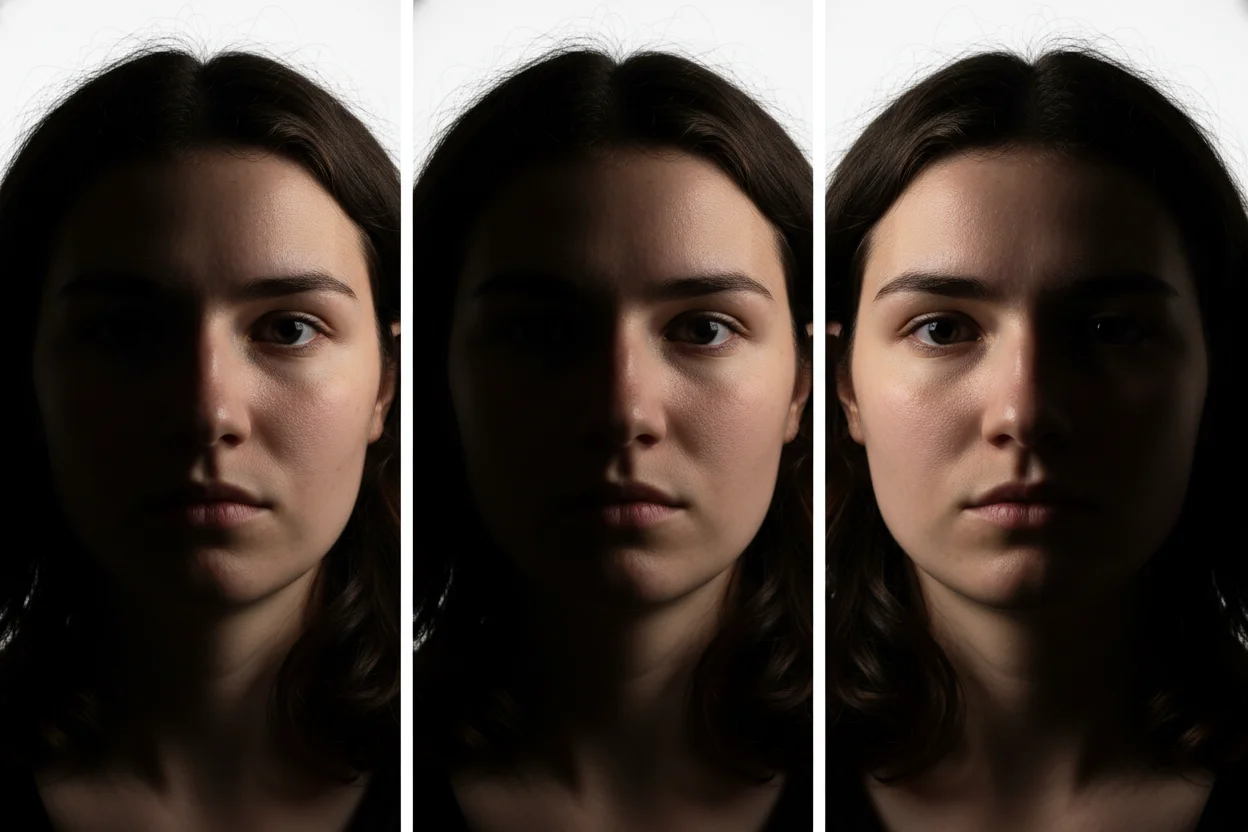
Lighting
Consistent light source, natural shadows, proper highlights on skin.
Expression
Natural micro-expressions, appropriate muscle tension, genuine emotion.
Essential Prompt Components
For maximum realism, your prompts should include these key specifications:
Realistic Face Prompt Structure:
- 1Realism triggers: "Photorealistic," "hyperrealistic," "photograph"
- 2Technical details: Camera, lens, settings (e.g., "Canon 5D, 85mm f/1.4")
- 3Skin description: "Natural skin texture," "visible pores," "no airbrushing"
- 4Lighting type: Professional lighting description
- 5Quality markers: "8K," "ultra detailed," "sharp focus"
Realistic Portrait Examples
Professional Headshot
"Photorealistic professional headshot of a 30-year-old woman, natural warm smile, confident expression, natural skin texture with visible pores, subtle freckles, eye-level portrait, soft studio lighting, shallow depth of field, blurred gray background, Canon EOS R5 85mm f/1.4, 8K ultra detailed"
Natural Light Portrait
"Hyperrealistic portrait photograph, middle-aged man with salt and pepper beard, thoughtful expression, wrinkles and natural aging, golden hour sunlight, outdoor setting, authentic skin tones, detailed eyes with natural catchlights, magazine cover quality, Sony A7R V 50mm lens"
Diverse Representation
"Photorealistic close-up portrait, young South Asian woman, joyful genuine laughter, natural beauty, detailed skin texture, small beauty marks, warm natural lighting, rich skin tones, lifestyle photography style, authentic and unretouched look, high resolution"
Common Issues and Fixes
- Plastic-looking skin: Add "natural skin texture, pores visible, no airbrushing"
- Uncanny eyes: Specify "natural catchlights, detailed iris, clear eye focus"
- Inconsistent lighting: Describe a single, clear light source direction
- Fake-looking hair: Add "individual hair strands, natural hair texture"
- Teeth issues: Mention "natural teeth" or avoid open-mouth smiles
Advanced Techniques
- Reference specific photographers known for portraiture
- Include subtle imperfections: "slight asymmetry," "natural blemishes"
- Describe environmental context for more grounded results
- Use AI upscaling to enhance fine detail after generation
Ethical Considerations
Important Guidelines:
- • Never create images designed to impersonate real individuals
- • Disclose AI generation when required by platforms or laws
- • Consider the implications of highly realistic fake faces
- • Use these tools responsibly and ethically
Realistic AI face generation is a powerful tool when used thoughtfully. Whether for character design, marketing materials, or creative projects, these techniques help you create convincing, professional-quality portraits.