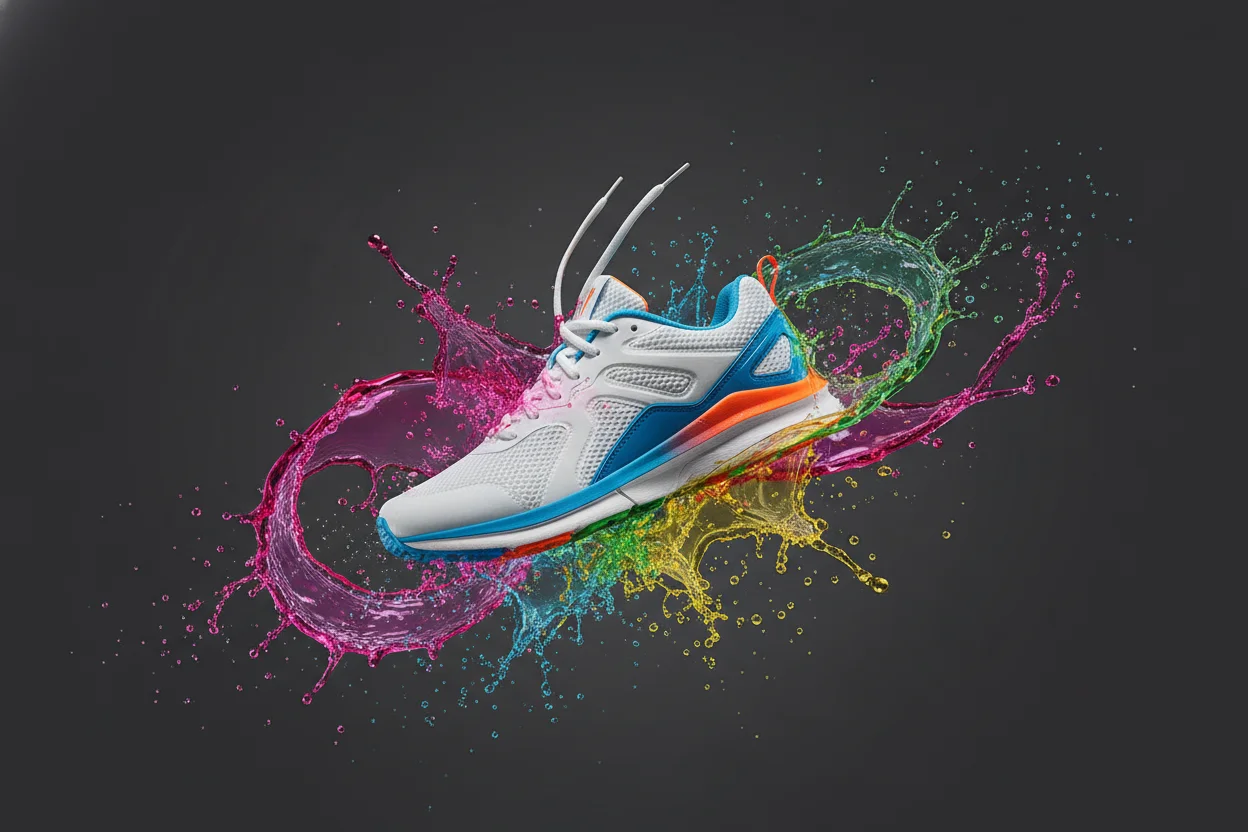
Product Photography Without a Camera: An AI Guide
Product photos can make or break an online store. But professional photography is expensive, and DIY photos often look amateurish. Here's how AI is changing the game for small e-commerce businesses.
What AI Can (and Can't) Do for Product Photos
Let me be upfront: AI won't replace photos of your actual products. If you're selling handmade jewelry or custom items, customers need to see the real thing. But AI can do something even better — it can create the context around your products.
Think lifestyle photography. Showing products in use. Creating aspirational scenes that help customers imagine owning your product. This is where AI excels, and it's also the photography that's most expensive to produce traditionally.
The Background Swap Technique
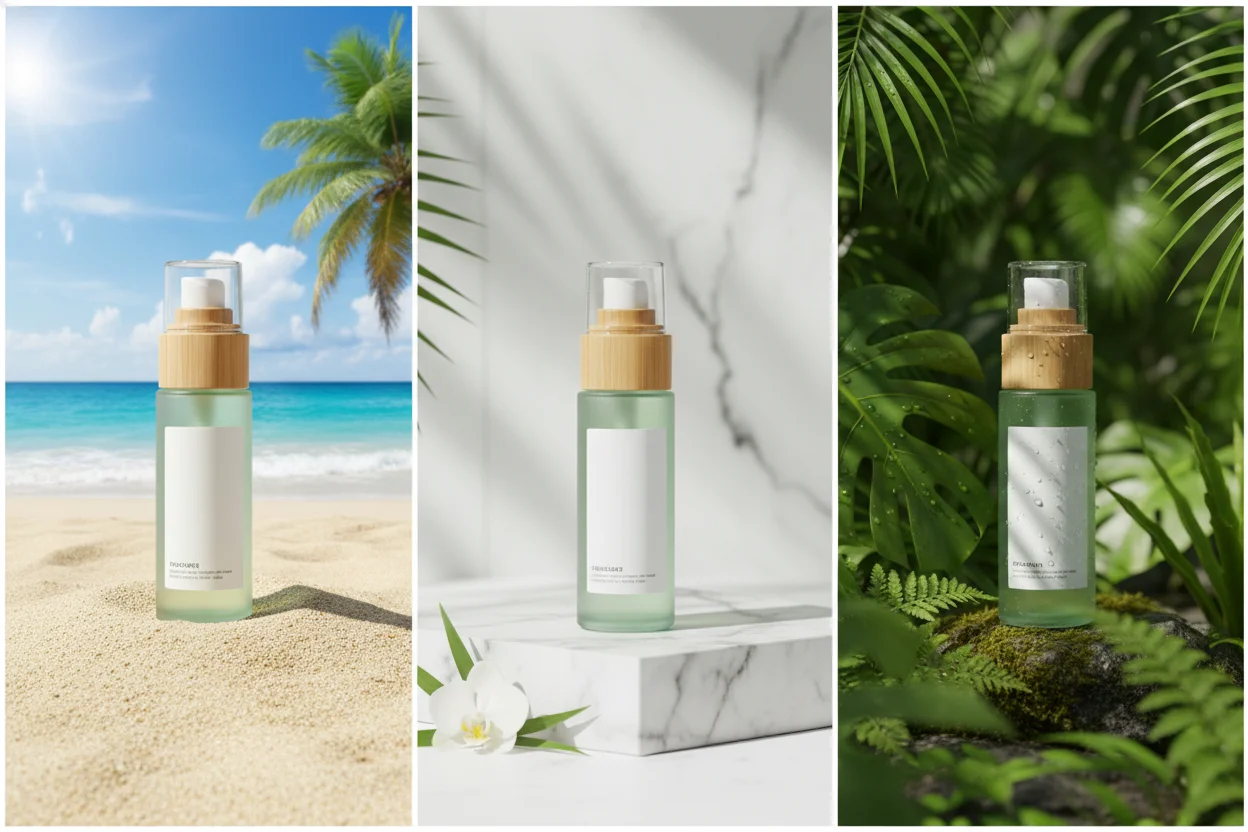
This is probably the most practical use of AI for e-commerce. Take a basic photo of your product on any background. Use AI to remove the background. Then place your product on an AI-generated background that looks professional.
The workflow goes like this:
- 1.Snap a photo of your product with your phone. Doesn't need to be fancy — just clear and well-lit.
- 2.Use AI background removal to get a clean cutout of your product.
- 3.Generate professional backgrounds — marble surfaces, lifestyle settings, seasonal themes.
- 4.Combine them using free tools like Canva or even Google Slides.
Creating Lifestyle Context
Customers don't just buy products — they buy the life they imagine having with those products. A coffee mug isn't just a mug; it's cozy mornings and quiet moments. AI lets you create those aspirational scenes.
Example prompt: "Cozy morning scene, soft natural light through sheer curtains, wooden table with open book and steaming beverage, minimalist Scandinavian interior, lifestyle photography, warm tones"
Generate backgrounds like this, then composite your actual product into the scene. It feels authentic without the expense of renting locations and hiring photographers.
Seasonal Content Made Easy
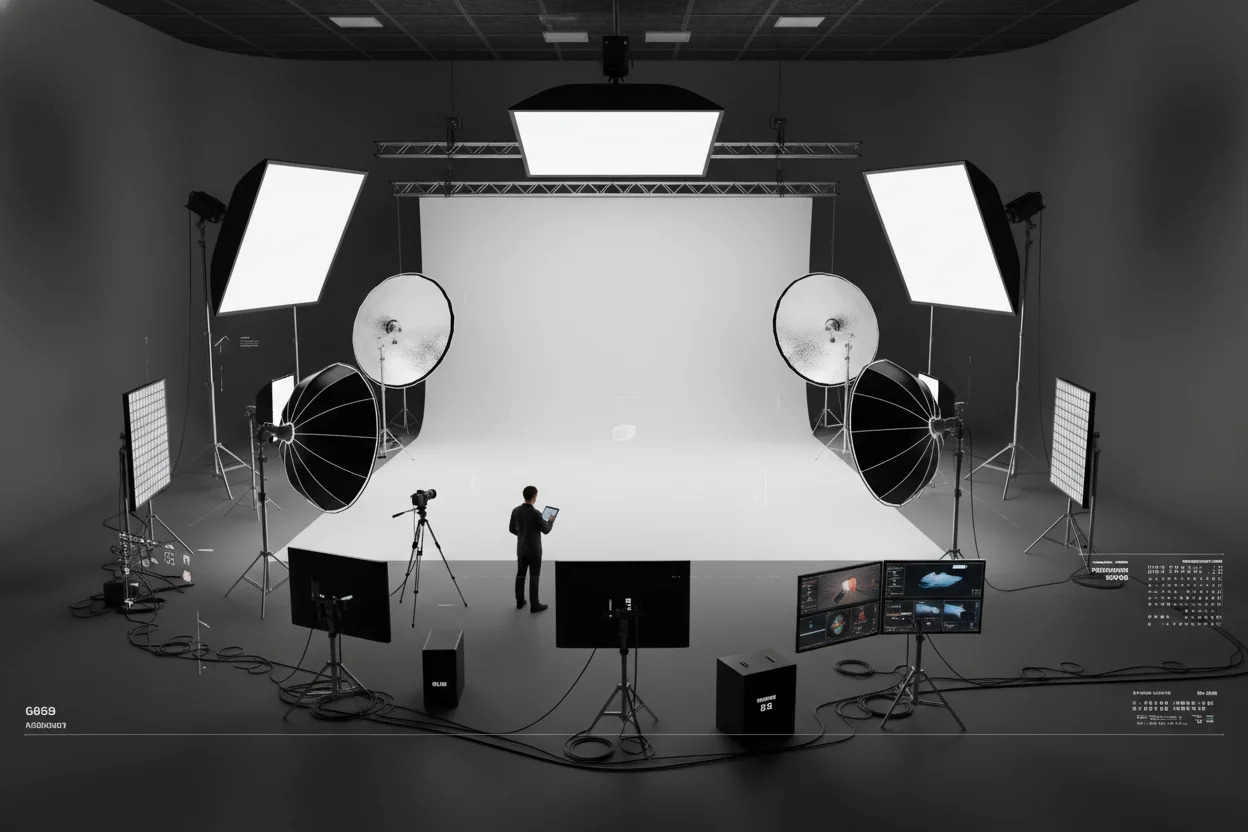
One of the most tedious things in e-commerce is updating photos for seasons and holidays. Christmas backgrounds, Valentine's themes, summer vibes — traditionally, each requires new photo shoots.
With AI, you can generate seasonal backgrounds on demand. Create a fall theme in October, switch to holiday in December, then fresh spring looks in March. Same product cutout, new contexts, no additional photography.
What About Generating Products Themselves?
This is where things get interesting — and a bit controversial. Can AI generate product photos without having the actual product? Technically, yes. Should you? It depends.
For concept visualizations, testing market interest, or showing product variations you haven't manufactured yet, AI-generated products make sense. But for selling actual items, customers deserve to see real photos. Misrepresenting products is both unethical and bad for business when returns spike.
Tips for Best Results
- →Match lighting: If your product photo has warm lighting, generate warm-lit backgrounds to match.
- →Watch shadows: A product that clearly should cast a shadow looks fake on a flat background.
- →Keep it consistent: Use similar styles across your catalog. Random variety looks unprofessional.
- →Test with customers: Sometimes simpler is better. A clean white background might convert better than elaborate scenes.
The Bottom Line
AI won't replace authentic product photography, but it's a powerful tool for creating context and lifestyle imagery that used to require significant investment. Combined with basic phone photography and background removal, you can create professional-looking product presentations on a zero budget.
Try It For Your Store
Generate backgrounds and remove product background — all free.