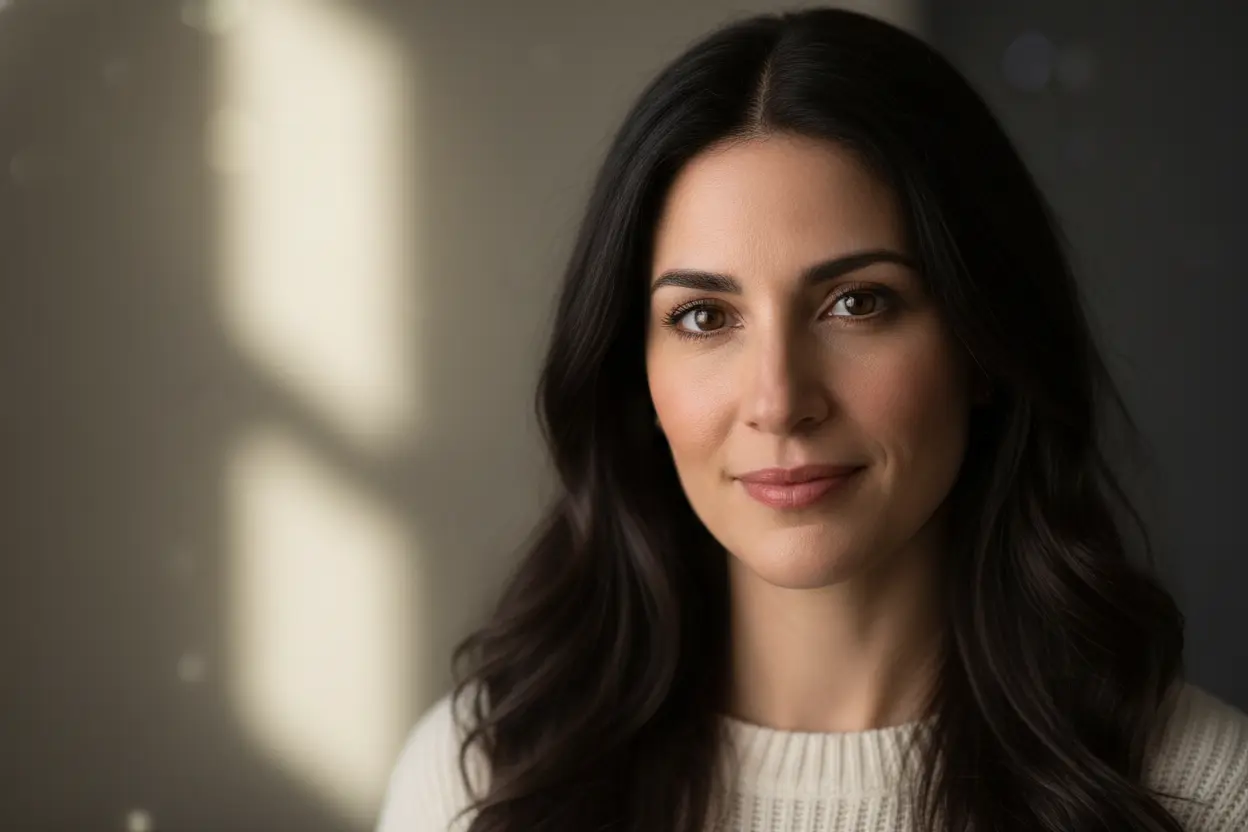
Professional Portrait Photography with AI
Professional portrait photography has traditionally required expensive equipment, studio setups, and years of expertise. AI image generation is changing this landscape dramatically, enabling anyone to create stunning, professional-quality portraits with just a text description. In this comprehensive guide, we'll explore the techniques and strategies that will help you master AI-generated portrait photography.
Understanding Portrait Fundamentals
Before diving into AI-specific techniques, it's essential to understand what makes a great portrait. The same principles that guide traditional photography apply to AI-generated images: lighting, composition, expression, and background all play crucial roles in the final result.
AI models have been trained on millions of professional photographs, which means they understand these fundamentals implicitly. Your job is to communicate your vision through precise prompts that leverage this knowledge.
Mastering Lighting in AI Portraits
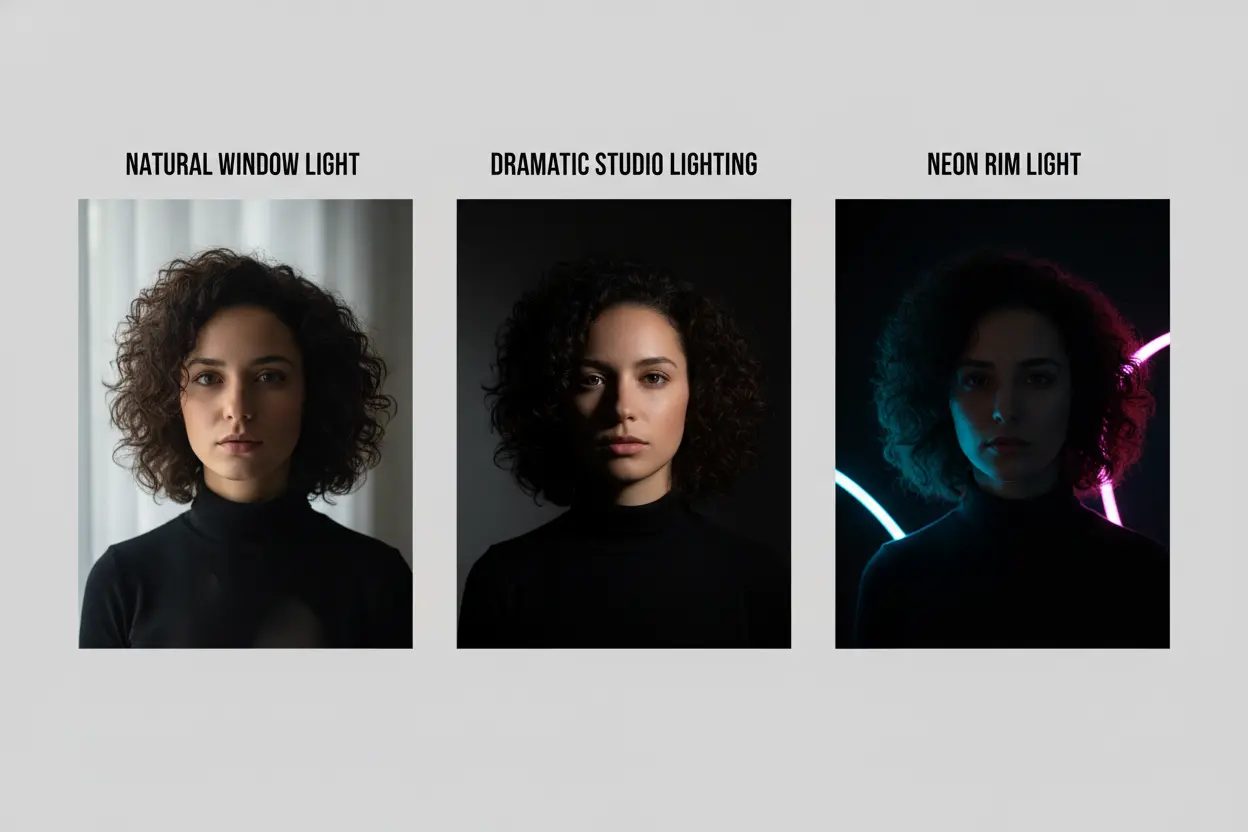
Lighting is perhaps the most critical element in portrait photography. Here are the key lighting styles you can specify in your prompts:
Natural Light
"Golden hour lighting," "soft window light," or "overcast natural lighting" for ethereal, soft portraits.
Studio Light
"Professional studio lighting," "three-point lighting setup," or "Rembrandt lighting" for polished results.
Dramatic Light
"High contrast lighting," "chiaroscuro," or "dramatic rim lighting" for artistic, moody portraits.
Creative Light
"Neon lighting," "colored gels," or "bokeh background lights" for unique, artistic effects.
Composition Techniques for AI Portraits
Composition determines how the subject is framed within the image. When crafting your prompts, consider these composition elements:
- •Framing: Specify "close-up headshot," "half-body portrait," or "environmental portrait" to control the frame.
- •Angle: Use "eye-level shot," "slightly elevated angle," or "low angle portrait" to adjust perspective.
- •Background: Describe backgrounds as "shallow depth of field," "blurred bokeh," or "clean studio backdrop."
- •Rule of Thirds: Add "subject positioned using rule of thirds" for balanced compositions.
Writing Effective Portrait Prompts
A well-structured portrait prompt should include several key elements in a logical order. Here's a framework that consistently produces professional results:
Portrait Prompt Structure:
- 1Subject description: Age, gender, distinctive features, expression
- 2Composition: Shot type, angle, framing
- 3Lighting: Type, direction, mood
- 4Background: Environment, depth of field
- 5Technical details: Camera, lens, style references
Example Prompts That Work
Here are some proven prompt templates for different portrait styles:
Corporate Headshot
"Professional corporate headshot of a confident business executive, warm genuine smile, wearing navy blue suit, eye-level angle, soft studio lighting with subtle rim light, clean gray gradient background, shallow depth of field, shot with 85mm portrait lens, high resolution, photorealistic"
Natural Light Portrait
"Candid portrait of a young woman with freckles, thoughtful expression, half-body shot, golden hour natural lighting streaming through window, soft shadows, cozy home environment blurred in background, film photography aesthetic, warm color grading, 50mm lens"
Creative/Artistic Portrait
"Artistic portrait with dramatic lighting, mysterious expression, close-up face shot, single spotlight creating strong shadows, high contrast black and white with selective color on eyes, minimalist dark background, fashion photography style, editorial quality"
Common Mistakes to Avoid
- Being too vague: "A nice portrait" won't give you professional results. Be specific!
- Conflicting instructions: Avoid combinations like "bright studio lighting" with "moody dark atmosphere."
- Ignoring aspect ratio: Choose the right dimensions — vertical for headshots, square for social media.
- Overloading the prompt: Too many conflicting style references can confuse the AI.
Pro Tips for Photorealistic Results
- Add "photorealistic," "hyperrealistic," or "photograph" to push toward realism
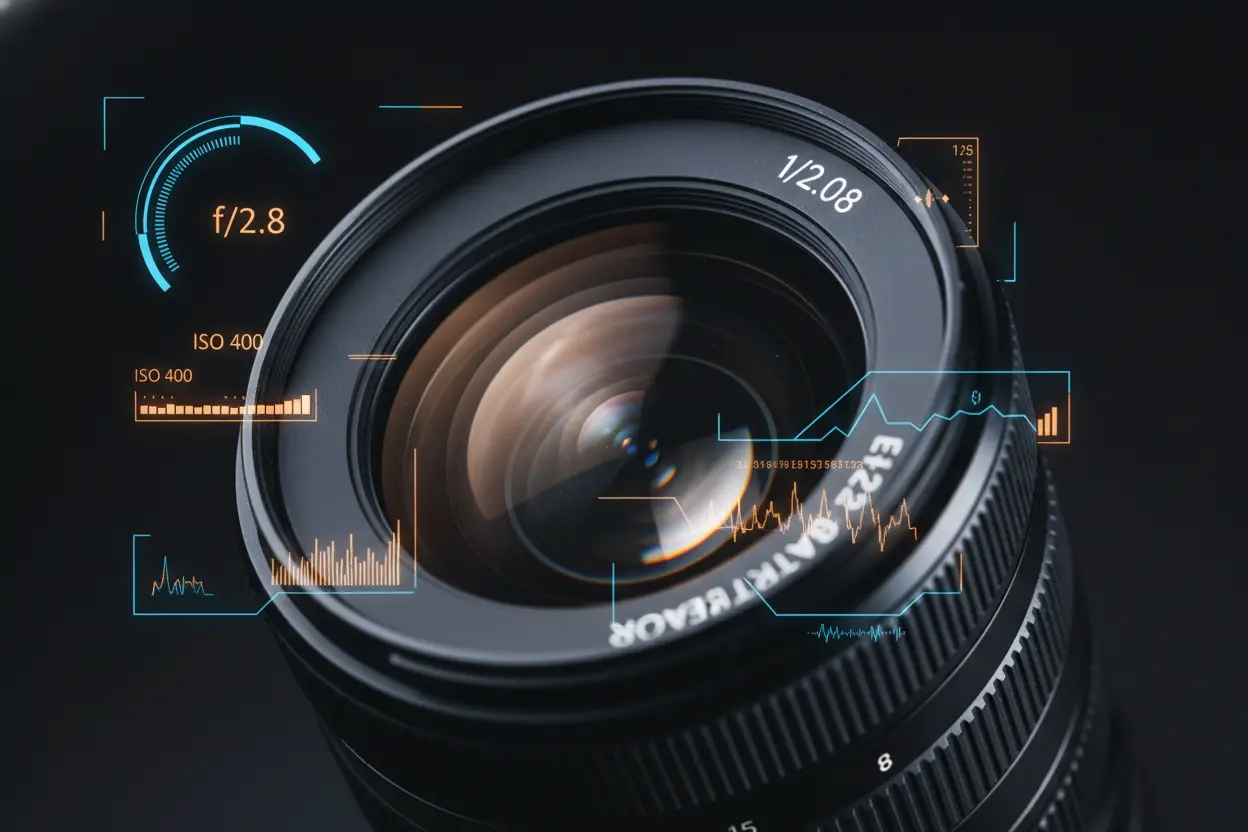
- Include camera and lens details like "Canon EOS R5, 85mm f/1.4" for authentic look
- Specify skin texture with "natural skin texture, pores visible, no airbrushing"
- Add quality modifiers: "8K resolution," "ultra detailed," "sharp focus"
- Reference specific photographers for consistent style guidance
Start Creating Professional Portraits
With these techniques and understanding, you're equipped to create professional-quality AI portraits that rival traditional photography. Remember, the key is experimentation — start with the templates above and iterate based on your results.
The beauty of AI portrait photography is the unlimited creative possibilities and instant iteration. You can explore lighting scenarios, compositions, and styles that would be prohibitively expensive or impossible in traditional photography.
Create Your AI Portrait
Put these techniques into practice — generate stunning portraits for free.
Start Creating Free →