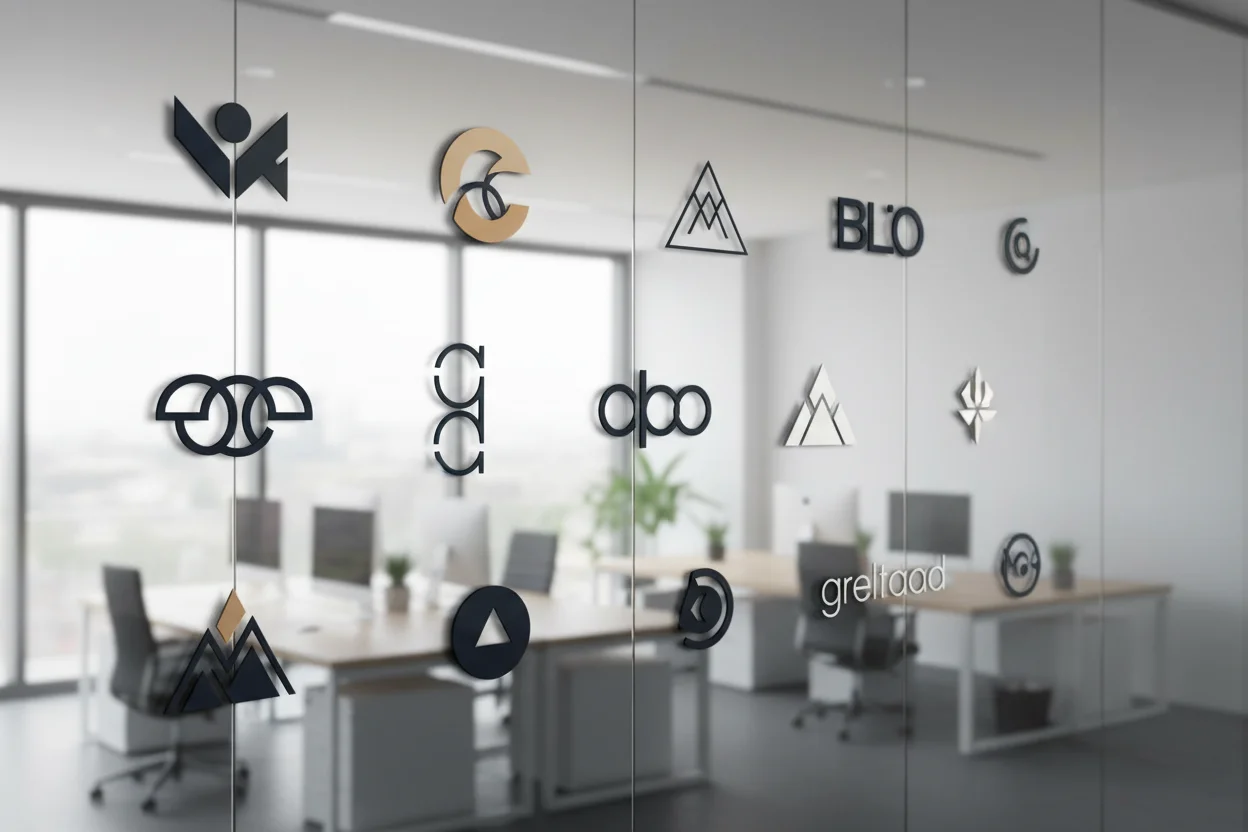
Creating Logos with AI: A Business Guide
A strong logo is essential for any business, but professional design services can cost hundreds or thousands of dollars. AI image generation offers a new approach — creating logo concepts quickly and affordably while maintaining professional quality. This guide will walk you through the process of designing effective logos using AI tools.
Understanding Logo Design Principles
Before diving into AI-generated logos, it's crucial to understand what makes a logo effective. The best logos share common characteristics that help them succeed in representing brands.
Simple
The most memorable logos are clean and uncluttered. Think Nike's swoosh or Apple's apple.
Versatile
A good logo works at any size — from a favicon to a billboard — and in any color.
Memorable
After one or two views, people should be able to recall and recognize your logo.
Appropriate
The style should match your industry and target audience expectations.
Types of Logos to Create
Different business needs call for different logo styles. Here are the main types you can create with AI:
- •Symbol/Icon Logos: A single graphic element that represents the brand (like Twitter's bird or Target's bullseye).
- •Wordmarks: The company name styled with unique typography (like Google or Coca-Cola).
- •Lettermarks: Initials styled as a logo (like IBM, HBO, or CNN).
- •Combination Marks: Symbol plus text together (like Adidas or Burger King).
- •Emblems: Text inside a symbol or badge (like Starbucks or Harley-Davidson).

Crafting Effective Logo Prompts
The key to creating good AI logos is writing prompts that emphasize simplicity, clarity, and professional design. Here's a framework for effective logo prompts:
Logo Prompt Structure:
- 1Type: "Minimalist icon logo" or "Modern wordmark"
- 2Industry/Theme: "For a tech startup" or "coffee shop branding"
- 3Style: "Clean, geometric, modern" or "vintage, hand-drawn feel"
- 4Colors: "Blue and white" or "black monochrome"
- 5Technical: "Vector style, white background, centered"
Example Logo Prompts
Tech Startup
"Minimalist icon logo for a cloud computing startup, abstract cloud shape made of geometric lines, modern and professional, gradient from blue to purple, clean white background, vector illustration style, centered composition"
Restaurant/Cafe
"Vintage emblem logo for an artisan bakery, circular badge design with wheat wreath border, simple bread icon in center, warm earthy colors, rustic handcrafted feel, cream background, suitable for packaging"
Fitness Brand
"Bold dynamic logo for a fitness brand, abstract running figure or motion symbol, energetic and powerful, vibrant green and black color scheme, sharp angular design, white background, sports branding style"
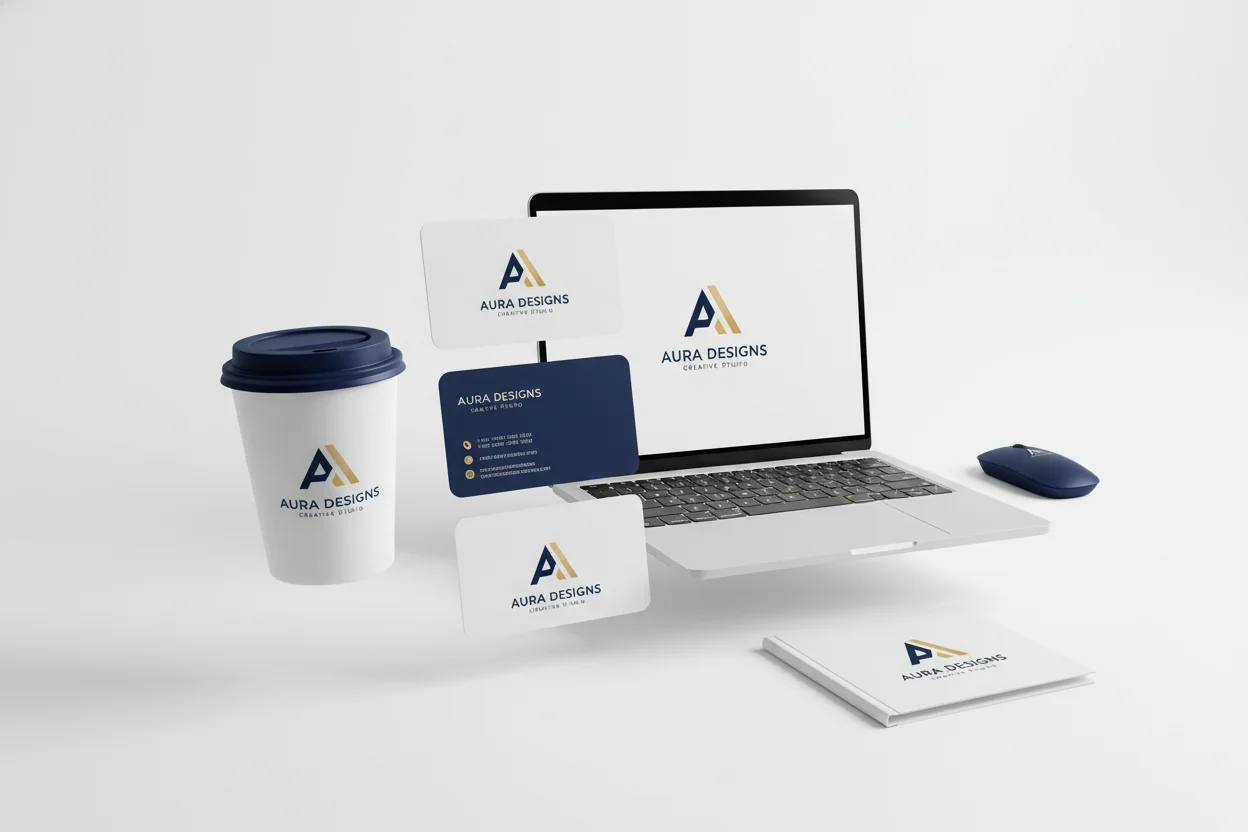
Best Practices for AI Logo Generation
- Always specify "white background" for versatility and easy extraction
- Include "minimalist" or "simple" to avoid overly complex designs
- Generate many variations — create 20-30 versions and curate the best
- Test at different sizes before finalizing your choice
- Use AI logos as starting points — refine with vector software if needed
Common Mistakes to Avoid
- Too much detail: Complex logos don't scale well and are hard to remember
- Trendy over timeless: Avoid effects that will look dated in a few years
- Poor color choices: Test in black and white — your logo should work without color
- Copying competitors: Your logo should differentiate you, not blend in
After Generation: Next Steps
Once you've selected your AI-generated logo concept, consider these next steps:
- 1.Remove background: Use our free background removal tool for a clean transparent version
- 2.Enhance resolution: Upscale for high-resolution print applications
- 3.Create variations: Develop different color versions for various uses
- 4.Document usage: Create brand guidelines for consistent application
AI-generated logos are an excellent starting point for businesses on a budget or those who need to iterate quickly. Whether you use the AI output directly or as inspiration for further refinement, the technology opens up professional design possibilities for everyone.
Design Your Logo
Start creating logo concepts for your brand — completely free.
Create Logo Concepts →