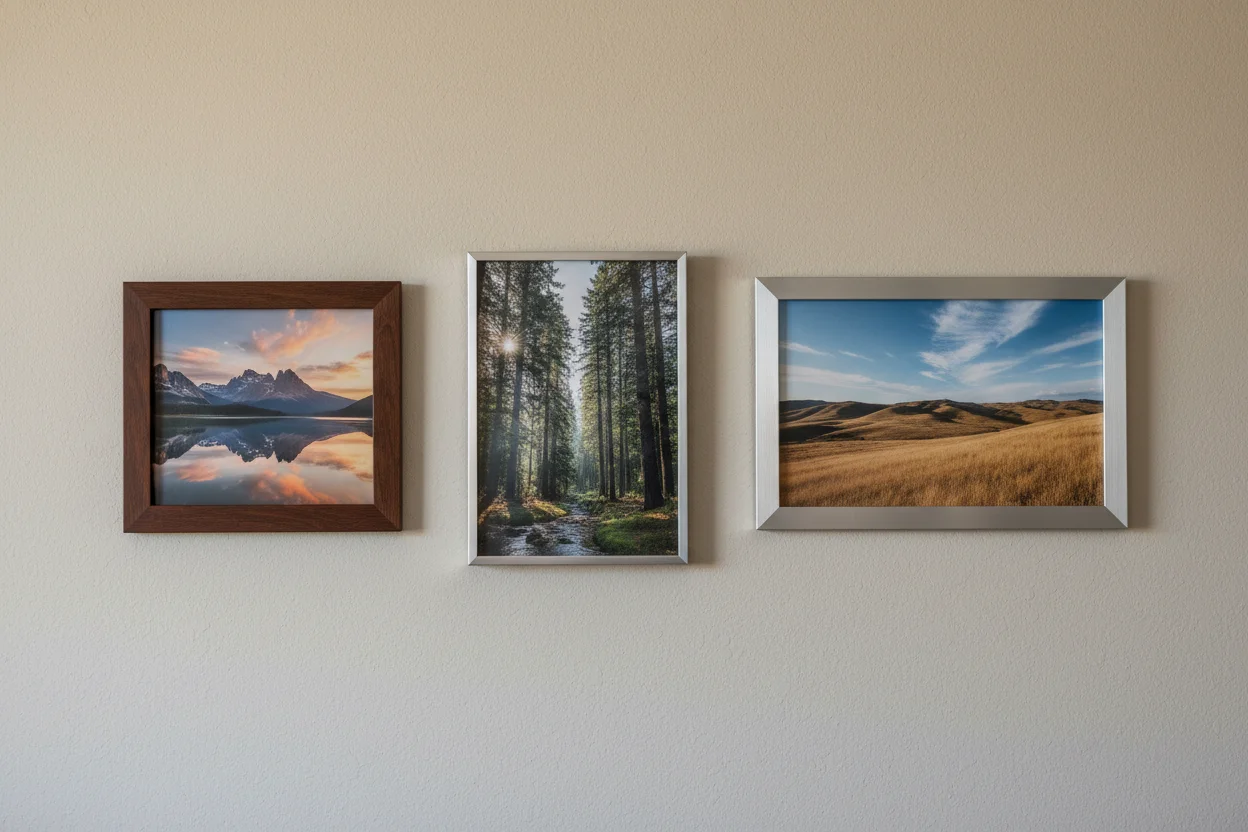
Understanding Aspect Ratios in AI Image Generation
Aspect ratio might seem like a minor technical detail. It's not. The dimensions you choose affect how your image looks, where you can use it, and even how well the AI generates it. Here's what you need to know.
What Is Aspect Ratio?
Simply put, aspect ratio is the relationship between width and height. A 1:1 ratio means equal width and height (square). A 16:9 ratio is wider than it is tall (widescreen). A 9:16 is taller than wide (portrait).
When you generate an AI image, you're choosing the shape of the canvas the AI paints on. This affects composition, cropping, and ultimately where your image will work best.
Common Aspect Ratios and When to Use Them
1:1 (Square)
The social media staple. Works perfectly for Instagram feed posts, profile pictures, product thumbnails, and icons.
Best for: centered subjects, symmetrical compositions, social media profiles
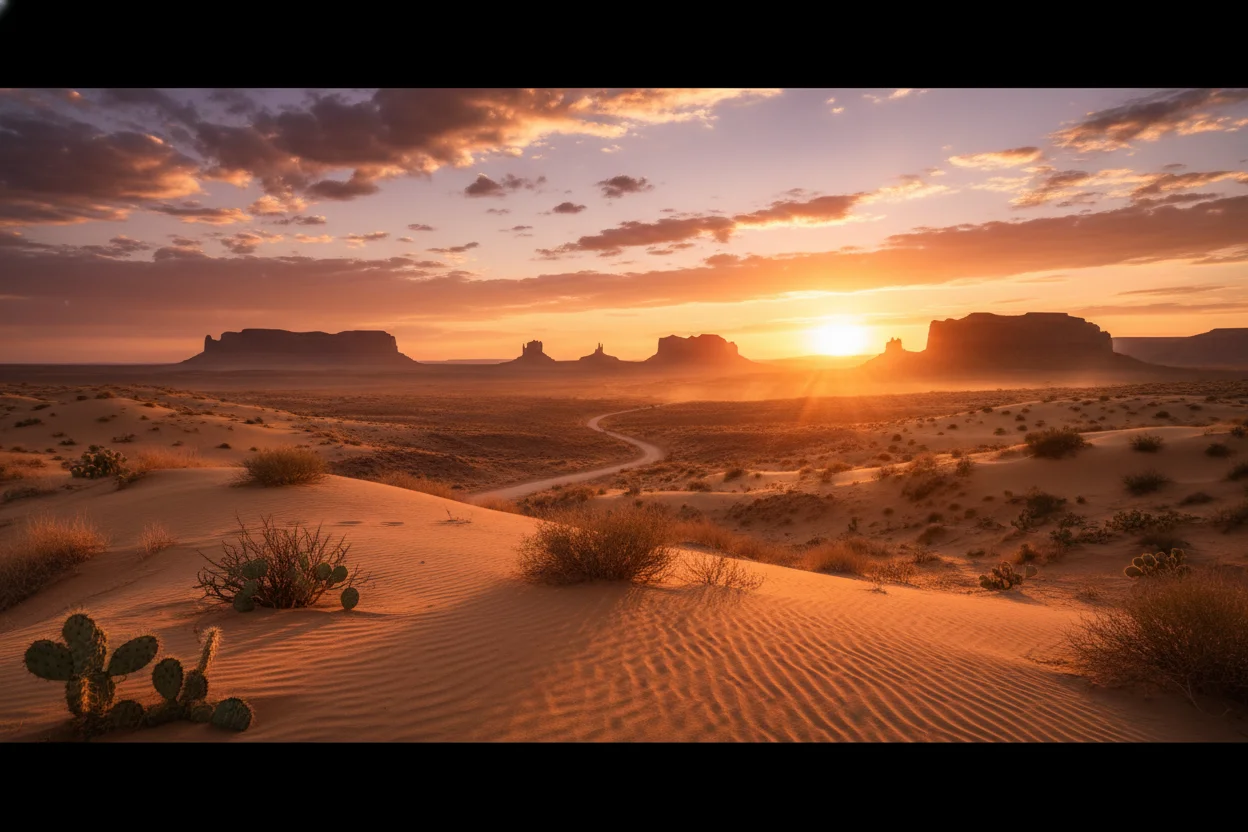
16:9 (Widescreen)
The standard for video and desktop displays. Perfect for YouTube thumbnails, website hero banners, presentation backgrounds, and desktop wallpapers.
Best for: landscapes, panoramic scenes, cinematic compositions
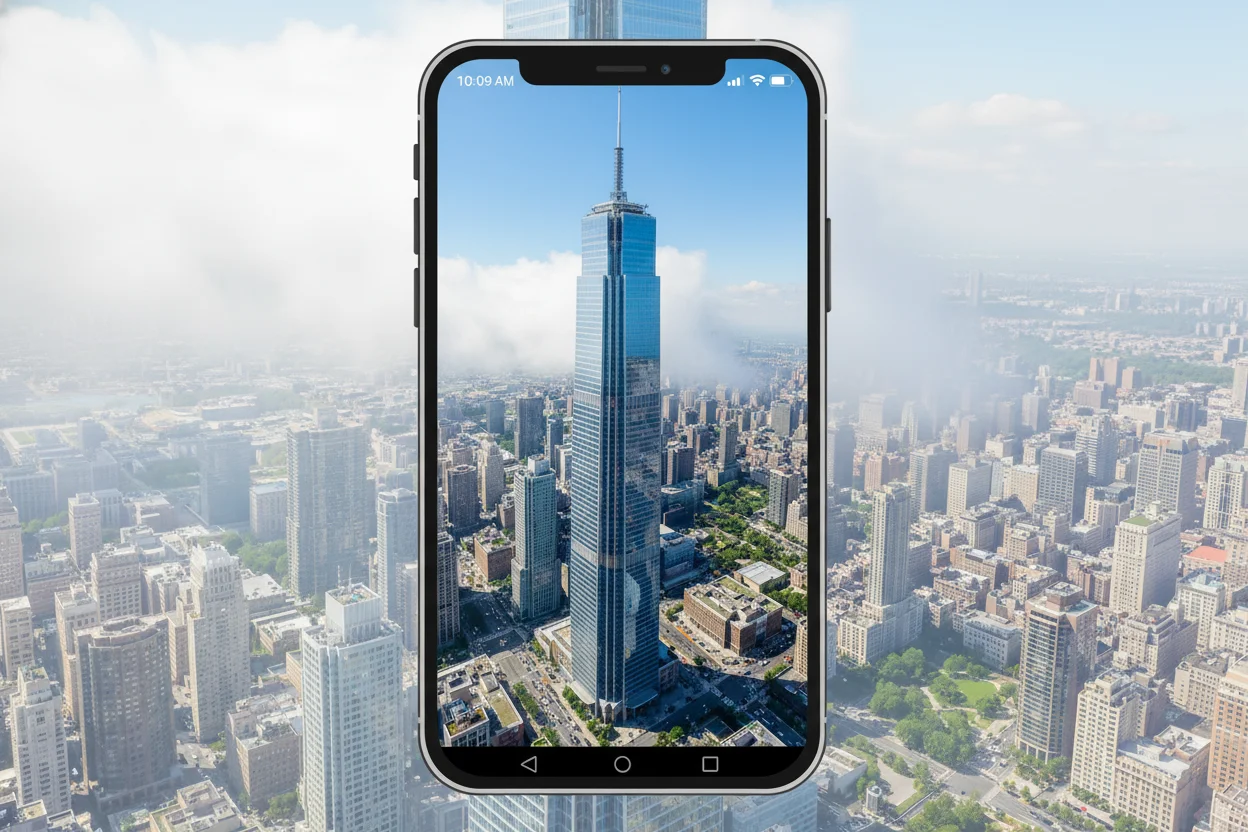
9:16 (Portrait)
Made for mobile. Ideal for Instagram Stories, TikTok, Reels, Pinterest pins, and phone wallpapers.
Best for: full-body portraits, vertical scenes, mobile-first content
4:3 (Classic)
The traditional photo ratio. Works well for general photography-style images and documents.
Best for: traditional photography, blog images, printed materials
How Aspect Ratio Affects AI Generation
Here's something many people don't realize: aspect ratio changes how the AI interprets your prompt. The same prompt in square vs widescreen format will produce noticeably different compositions.
Wide formats encourage the AI to include more environment, more context, more storytelling elements. Tall formats often center on single subjects and create more intimate, focused compositions.
Neither is better — they're different tools for different jobs.
Think About the End Use First
Before generating, ask yourself: where will this image live? A beautiful widescreen landscape is useless if you need it for an Instagram Story. A perfect square portrait won't fit your YouTube thumbnail.
Quick reference:
- •Instagram Feed: 1:1 or 4:5
- •Instagram Stories/Reels: 9:16
- •YouTube Thumbnails: 16:9
- •Website Banners: 16:9 or wider
- •Pinterest: 2:3 or 9:16
- •Blog Images: 16:9 or 4:3
When in Doubt, Go Square
If you're not sure where you'll use an image, 1:1 square is the most versatile. You can crop it to fit most other formats without losing the main subject. It's not optimal for everything, but it works for almost anything.
Just remember to leave some breathing room around your subject so there's space to crop if needed.
Try Different Ratios
Experiment with aspect ratios on Bladdit — all sizes are free.
Generate Images Free →