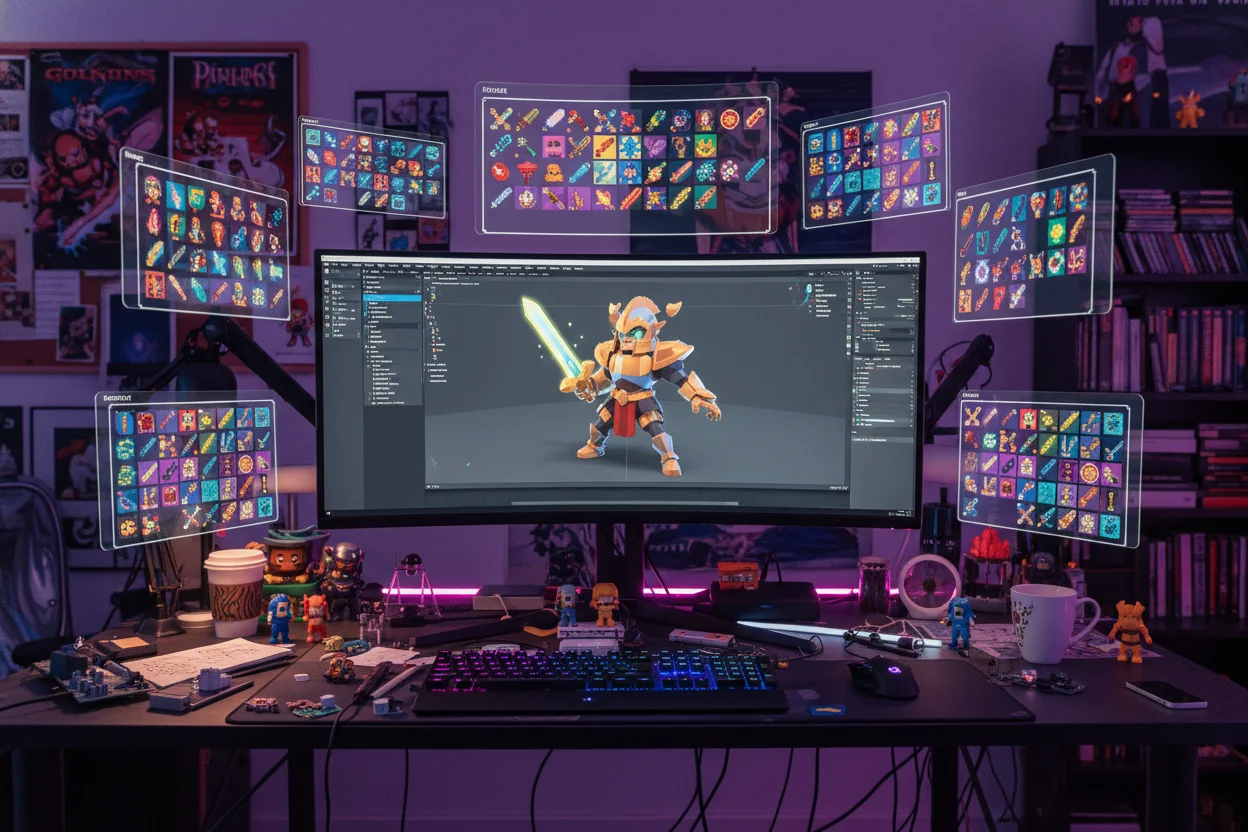
Game Asset Creation Using AI Tools
Game development requires massive amounts of visual assets — from concept art to textures, characters to environments. AI image generation is becoming an essential tool for indie developers and studios alike to accelerate production while maintaining quality. This guide explores how to leverage AI for various game art needs.
Types of Game Assets
Concept Art
Character designs, environment concepts, vehicle sketches, weapon designs.
🖼️ Textures
Seamless patterns, material textures, terrain textures, UI elements.
🌍 Backgrounds
Skyboxes, environment backdrops, parallax layers, level backgrounds.
👤 Characters
Character portraits, sprite references, NPC designs, enemy concepts.
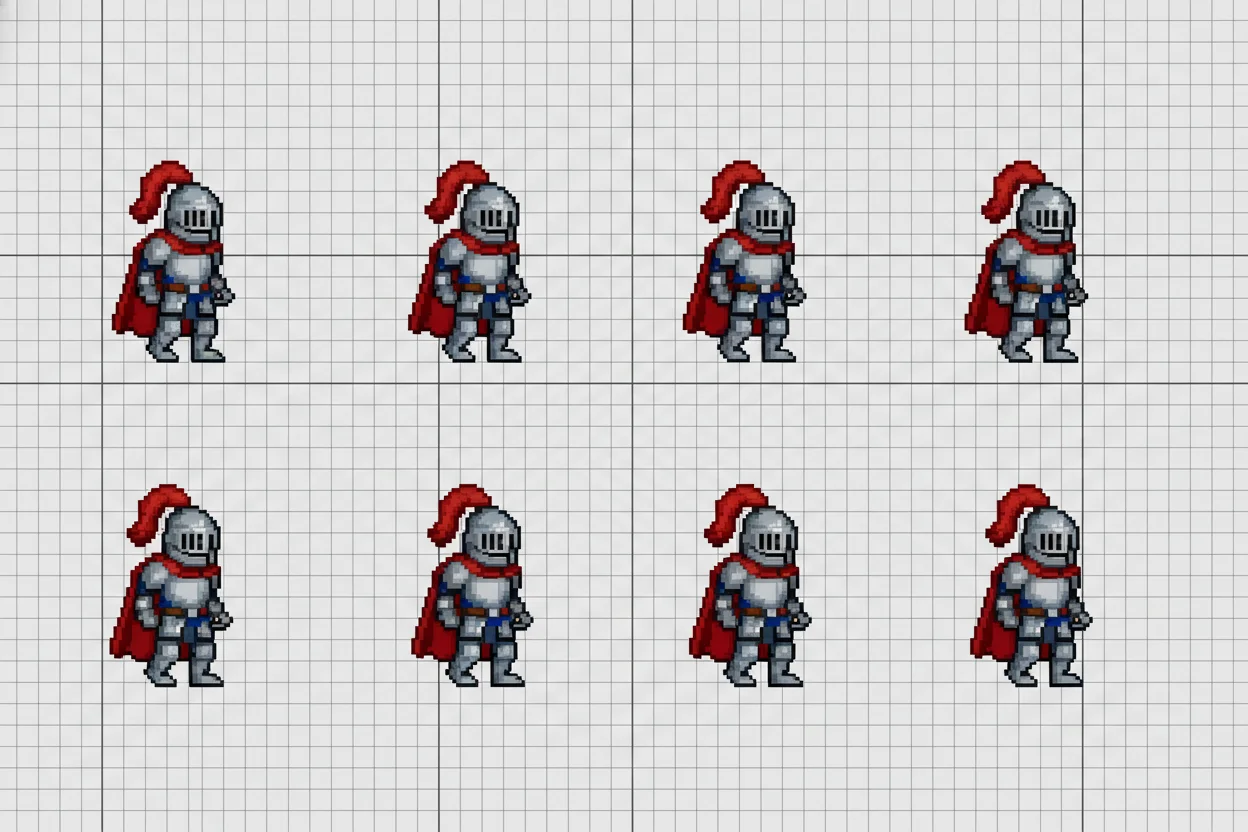
Game Art Prompt Techniques
Different asset types require different prompt approaches:
Character Concept
"Fantasy warrior character design, full body front view, detailed armor with glowing runes, heroic pose, game character art style, clean white background, concept art sheet layout, high detail for game development"
Seamless Texture
"Seamless stone wall texture, medieval castle brick pattern, weathered and aged surface, neutral lighting, tileable pattern, game texture, high resolution detail, 1024x1024"
Environment Background
"Fantasy forest game environment, mystical atmosphere, towering ancient trees, soft volumetric lighting, path leading into distance, 2D game background, parallax layers suitable, painterly digital art style"
Style Consistency
Games require visual consistency across all assets. To maintain cohesion:
- Create a "style template" and include consistent style keywords in all prompts
- Define and stick to specific color palettes across assets
- Reference specific art styles: "Studio Ghibli style," "pixel art," "low poly"
- Create variations of successful prompts rather than starting fresh each time
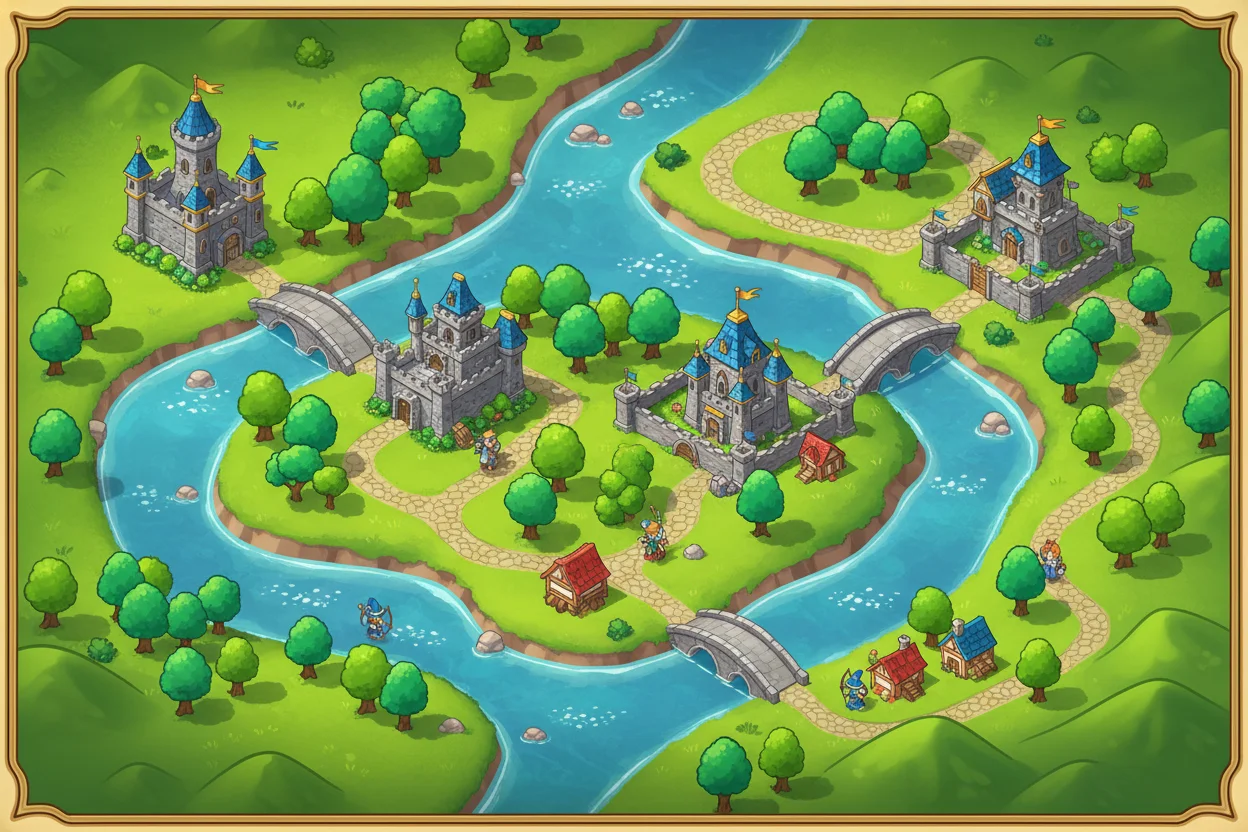
Integration Workflow
Generate and Curate
Create multiple variations and select the best options.
Upscale and Enhance
Increase resolution and refine details as needed.
Process for Engine
Remove backgrounds, optimize file sizes, prepare sprites.
Import and Test
Import into your game engine and validate in context.
Best Practices for Game Assets
- Use Background Removal to create transparent PNGs for sprites
- Generate at maximum resolution, then downscale for game use
- Keep source prompts documented for future asset generation
- Test assets in-game early — what works in isolation may not work in context
AI-generated assets can dramatically accelerate game development, especially for indie developers and small teams. Use these tools strategically — for concept exploration, placeholder art, or even final assets depending on your game's art style and requirements.
Create Game Assets
Generate concept art, textures, and game visuals — completely free.
Start Creating →