Creating Stunning Book Covers with AI
A compelling book cover can make the difference between a bestseller and an overlooked gem. Traditional cover design requires significant investment, but AI image generation opens this creative process to every author and publisher. This guide shows you how to create professional book covers that grab attention and convey your story's essence.
Genre-Specific Cover Styles
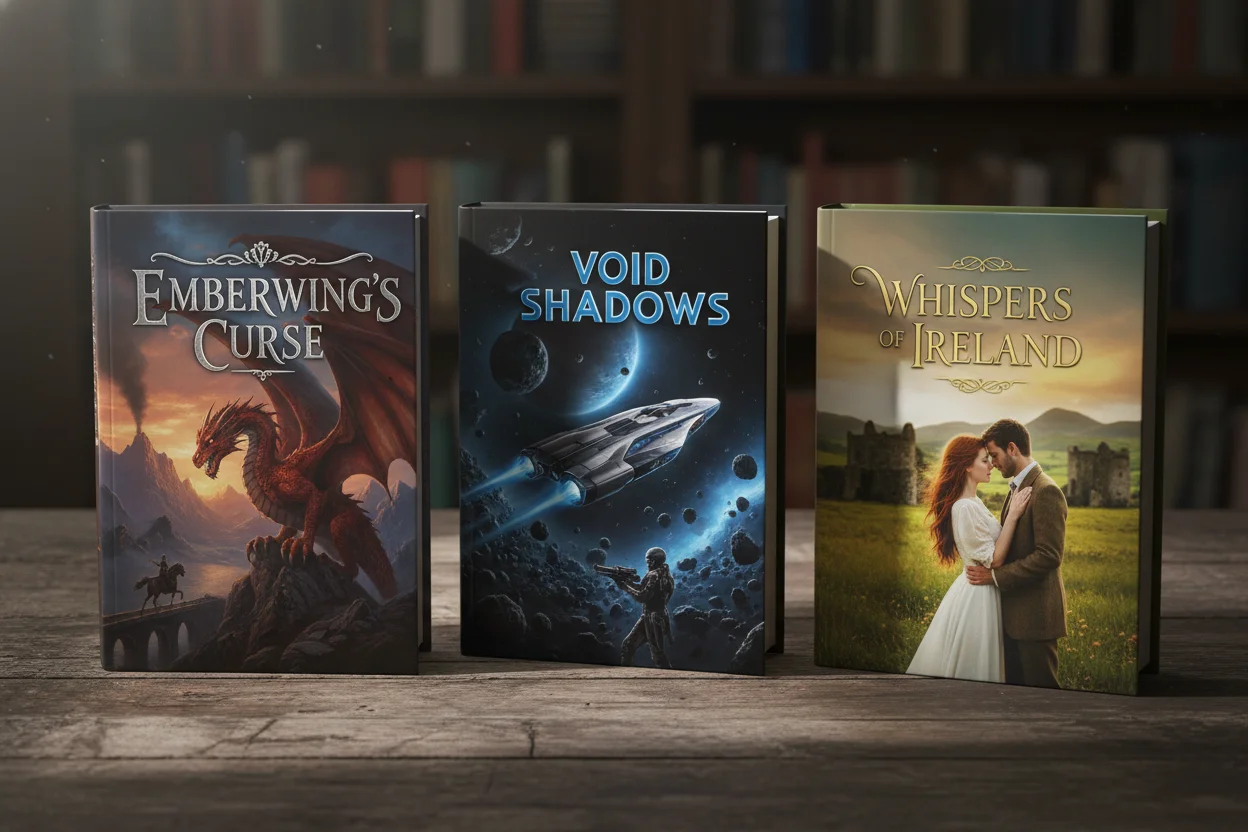
Successful book covers follow genre conventions that signal to readers what to expect. Understanding these patterns is crucial for effective cover design:
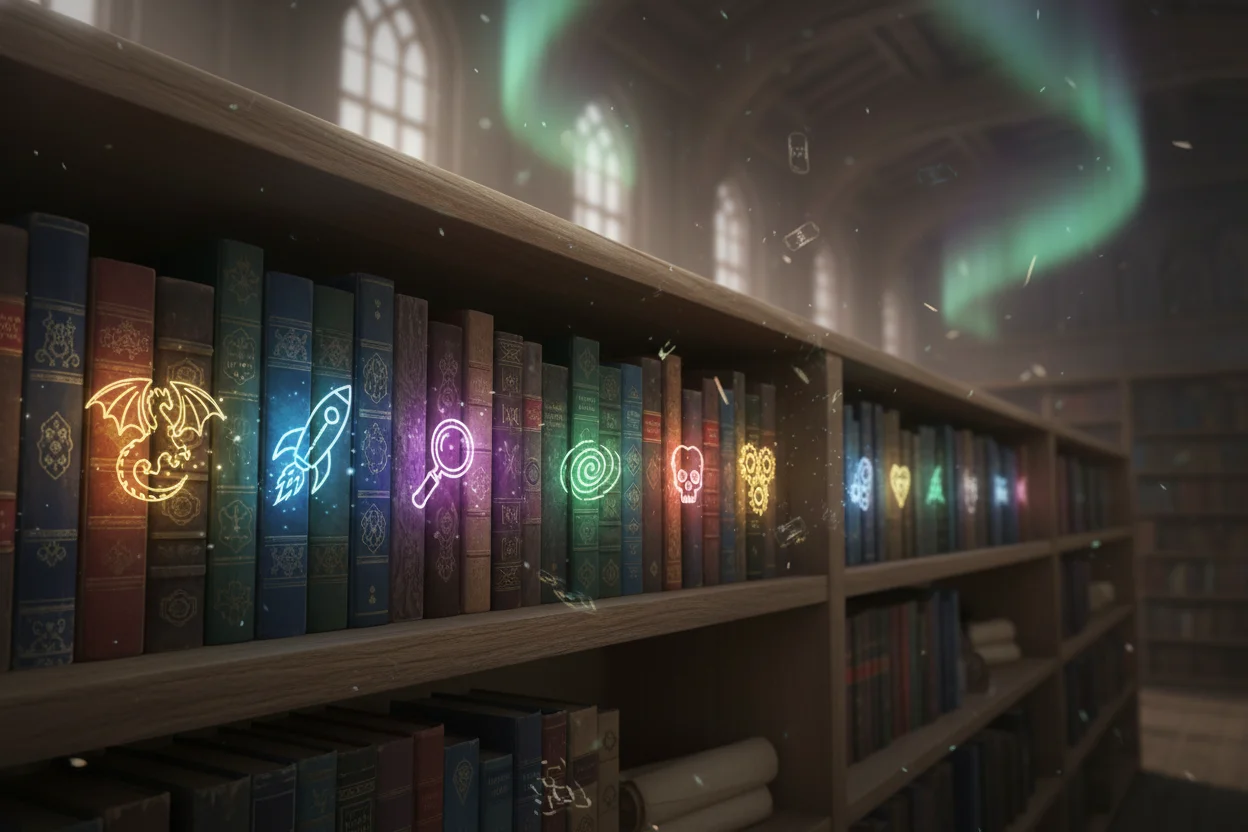
📚 Fantasy/Sci-Fi
Epic landscapes, magical elements, dramatic lighting, detailed illustrations.
❤️ Romance
Couples, emotional moments, warm colors, elegant typography space.
🔍 Thriller/Mystery
Dark tones, silhouettes, suspenseful imagery, bold contrasts.
Literary Fiction
Artistic, symbolic imagery, sophisticated palettes, minimalist design.
Book Cover Prompt Structure
An effective book cover prompt should include these elements:
- 1Format: "Book cover design," "ebook cover," "novel cover art"
- 2Genre: Fantasy, romance, thriller, science fiction, etc.
- 3Central imagery: The main visual element or scene
- 4Mood/atmosphere: Mysterious, romantic, epic, cozy
- 5Color palette: Dark and moody, warm and inviting, etc.
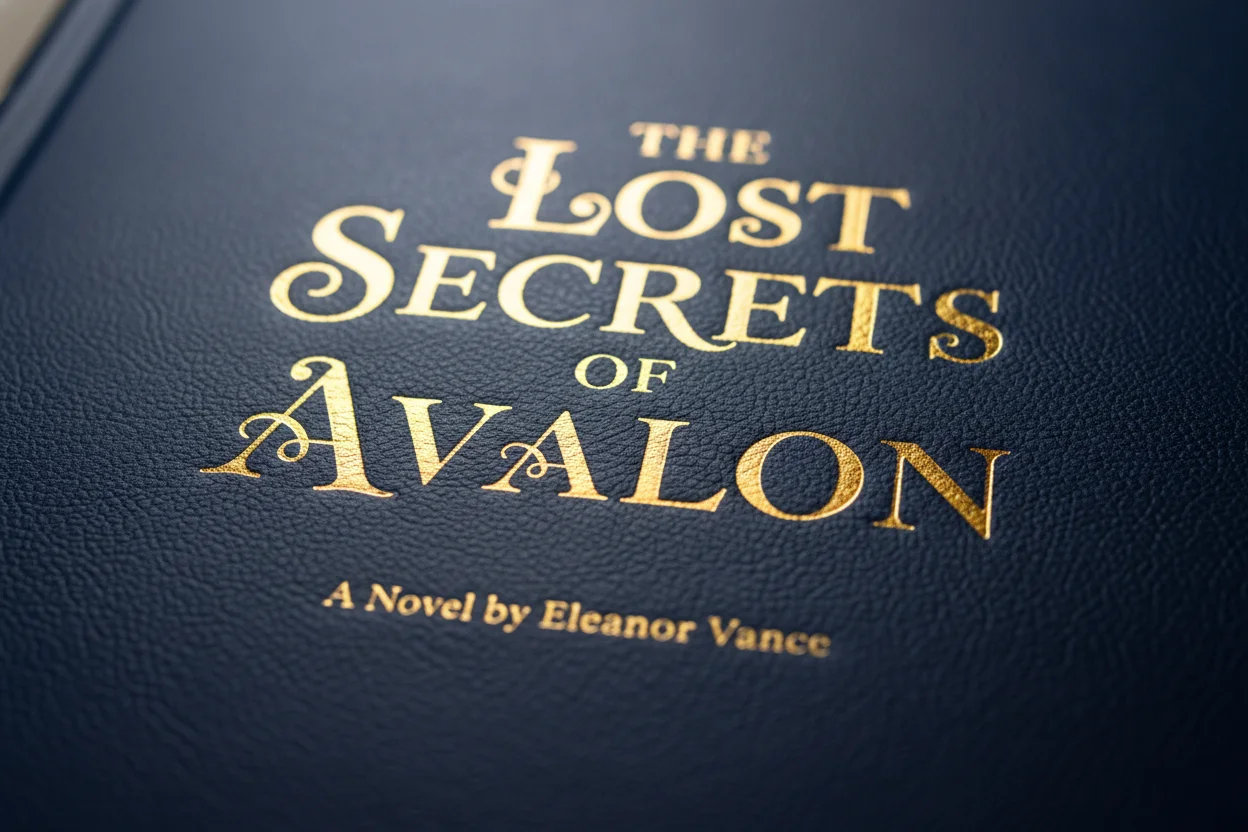
- 6Typography space: Leave room for title and author name
Example Book Cover Prompts
Epic Fantasy
"Epic fantasy book cover, ancient castle on a mountain peak at twilight, dramatic storm clouds with lightning, mystical purple and blue color scheme, magical glowing symbols, cinematic atmosphere, space at top for title text, vertical composition, high detail"
Contemporary Romance
"Romance novel book cover, elegant couple silhouette against sunset cityscape, warm golden and pink tones, romantic atmosphere, bokeh city lights in background, soft dreamy aesthetic, clear space at top and bottom for text, vertical 6x9 aspect ratio"
Psychological Thriller
"Psychological thriller book cover, isolated house in foggy forest, single lit window glowing ominously, dark and moody atmosphere, muted desaturated colors with subtle red accent, unsettling mood, clear dark space at top for title, cinematic photography style"
Technical Considerations
- Aspect ratio: Use 2:3 or 1:1.6 for standard book dimensions
- Resolution: Generate at highest available resolution, then upscale
- Text space: Always include "space for title" in prompts
- Thumbnail test: Covers must be readable at small sizes
After AI Generation
AI provides the cover art, but you'll need to add finishing touches:
- 1.Enhance resolution using AI upscaling for print quality
- 2.Add typography using design software (Canva, Photoshop, etc.)
- 3.Create variations for different formats (ebook, paperback, audiobook)
- 4.Get feedback before finalizing your cover choice
A great book cover captures the essence of your story and entices readers to learn more. With AI tools, you can explore more concepts than ever before, finding the perfect visual representation for your work.
Design Your Book Cover
Create stunning cover concepts for your book — completely free.
Create Cover Art →